
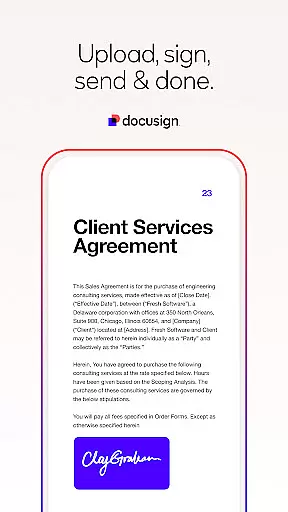
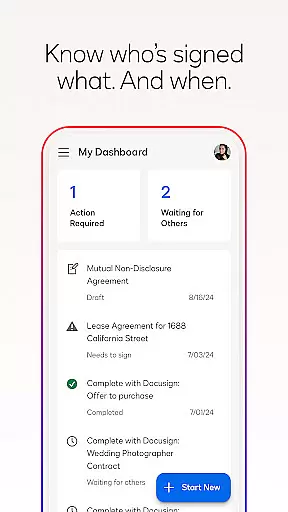


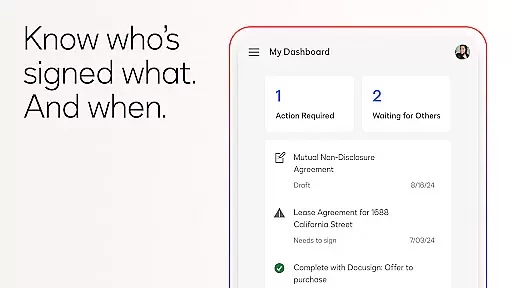
Docusign is the world's leading eSignature solution, enabling businesses and individuals to securely send and sign agreements from anywhere, at any time. Trusted by millions globally, it simplifies the entire agreement process with its intuitive mobile app.
The app allows users to create digital signatures, upload documents via multiple sources, and manage agreements effortlessly. With real-time notifications and responsive signing, Docusign ensures a streamlined experience for both senders and signers.
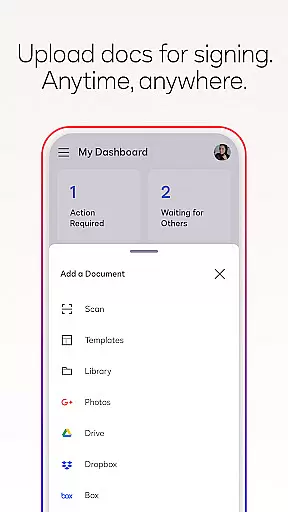
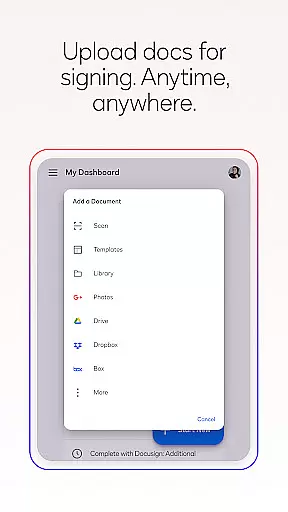
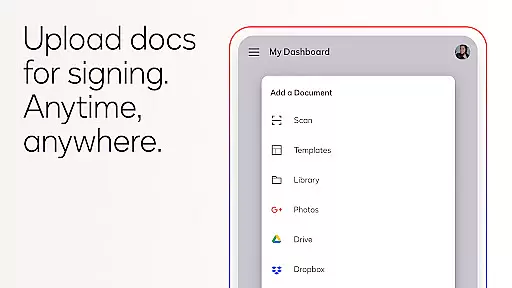
Docusign offers a comprehensive suite of features designed to simplify agreement management. Users can create customized digital signatures directly on their devices and upload documents through email, cloud storage services, or photo scanning.
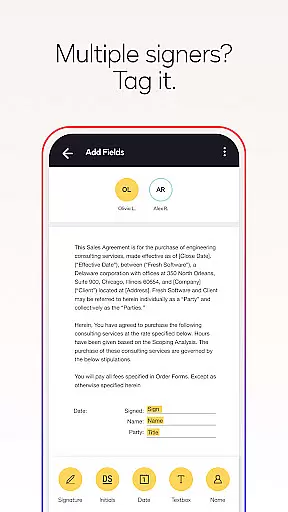
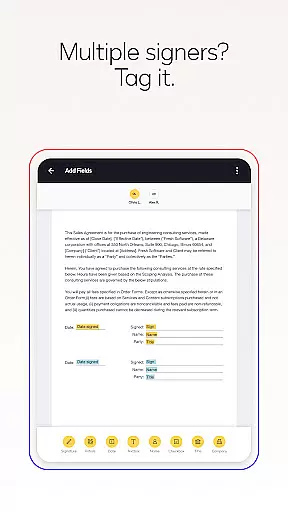
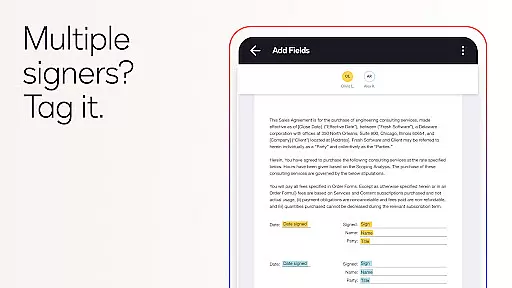
The app supports advanced document preparation with 'Sign Here' tags, multiple signer workflows, and in-person or remote signing options. Its responsive design adapts documents to any device size, while push notifications keep users updated on document statuses.
In the realm of productivity, core task management is pivotal for organizing and executing tasks efficiently. DocuSign excels in this area by providing a streamlined process to manage agreements from start to finish.
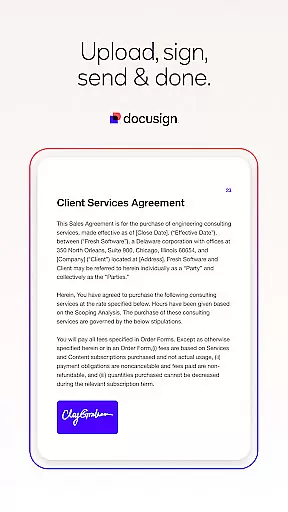
DocuSign's task management capabilities allow users to create customized digital signatures, upload documents from various sources, and prepare documents with specific tags that guide the signers on where to sign or add information. This structured approach ensures that every step, from document preparation to obtaining signatures, is handled with precision.
The app simplifies the workflow for multiple signers by allowing the setting of signing orders and supporting both in-person and remote signing. Responsive signing functionality adapts documents for mobile devices, enhancing the user experience regardless of the device used.
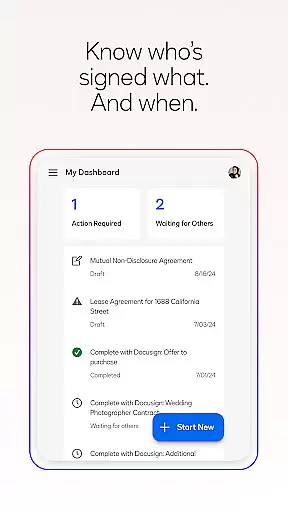
With real-time push notifications, users are immediately informed when documents are signed, ensuring that business processes continue without unnecessary delays. This comprehensive task management system empowers users to maintain control over their documents and agreements, making DocuSign an invaluable tool for efficient productivity.
Cross-device synchronization is essential for maintaining consistency and reliability across different platforms. DocuSign addresses this need by ensuring that all actions taken on one device are accurately reflected on others, providing a seamless user experience.
DocuSign's synchronization capabilities enable users to send, sign, and manage documents from practically anywhere, at any time, and from almost any device. Whether you're using a smartphone, tablet, or computer, the app ensures that your documents and agreements are always up-to-date and accessible.
This reliable synchronization is supported by robust cloud infrastructure, which guarantees that changes made on one device are instantly available on all others. Users can trust that their documents are securely stored and synchronized, eliminating the risk of version conflicts or data loss.
Furthermore, DocuSignu2019s commitment to security and compliance, as evidenced by its ISO 27001 and SSAE16 certifications, assures users that their synchronized data is protected against unauthorized access. This reliability and security make DocuSign a trusted solution for managing important documents across multiple devices.
Easy-to-use interface
Legally binding signatures
Secure encryption protocols
Supports multiple file formats
Real-time notifications
Limited free sending
Premium features costly
Subscription required
No offline functionality
Complex for beginners

 4.20
4.20
Secure, fast, open-source, VNC and SSH Remote Desktop for Windows, Linux and Mac
4.70
AI Video AI Image Private LLM AI Browser Llama Gemma Ollama Connect LLM Studio
4.0
All in one sketching tool. Technical and General drawing. Online Maps support.
3.70
Send files, sync SMS, notifications & clipboard across devices via local network
4.40
CalenGoo is a very flexible and feature-rich calendar app
4.40
Todo reminder
4.10
Simple and reliable communication between inmates, friends and family
3.20
Ultimate Virtual AI Character for immersive Roleplay Chat. Perfect Companion
3.90
Understand anything with a personalized AI research assistant
4.80
aCalendar+ makes your day, week and month
4.70
Client for Nextcloud Deck
4.60
Absolutely the best CNC machinist speed and feed calculator around. fswizard.com
4.60
Stay on top of your to-dos with Google Tasks, part of Google Workspace.
4.60
All in One PDF Reader: Manage, Read and Edit your Documents
4.20
Make apps & sites with natural language prompts
4.10
Experience real multitasking on your Android!
4.00
⏰ Finally a timer app which can run multiple timers simultaneously on your watch
3.90
Make your handwriting beautiful, even more than pen on paper.
3.60


User Reviews