
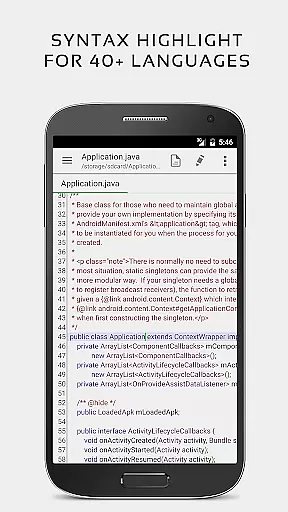


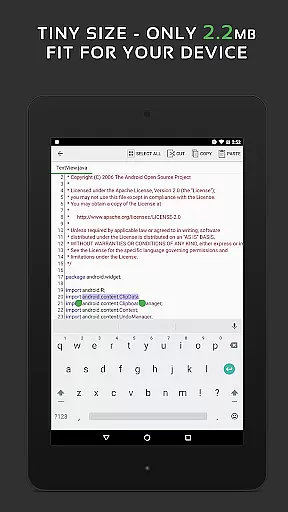
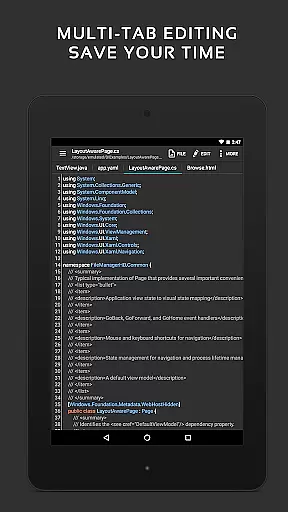
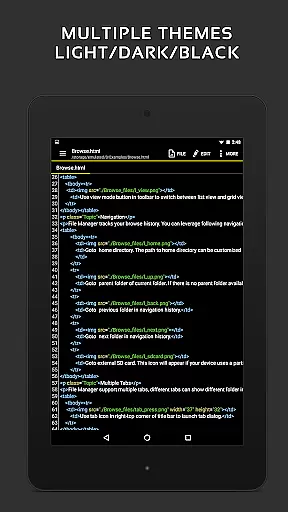
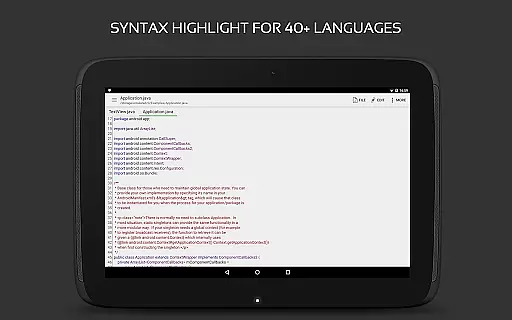
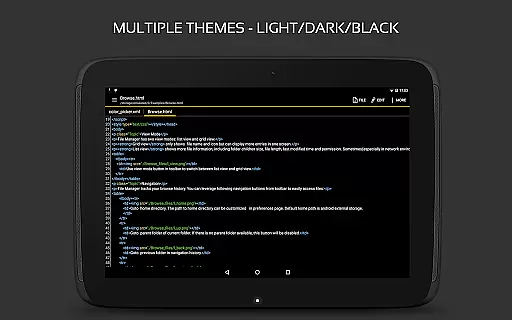
QuickEdit Text Editor Pro is a premium text editing solution designed for both casual users and programming professionals. This productivity app offers an enhanced notepad experience with advanced features tailored for over 170 programming languages, including syntax highlighting for C++, Java, Python, and more.
What sets QuickEdit apart is its ability to handle large files with ease while maintaining exceptional speed and responsiveness. The app supports cloud integration with Google Drive, Dropbox, and OneDrive, making it versatile for various work environments. Its intuitive interface provides essential tools like unlimited undo/redo, line numbering, and quick search functionality.
Whether you're writing simple text documents or developing complex codebases, QuickEdit ensures maximum efficiency through its optimized performance on both phones and tablets. The app's professional-grade features make it particularly valuable for developers who need reliable code editing capabilities on mobile devices.
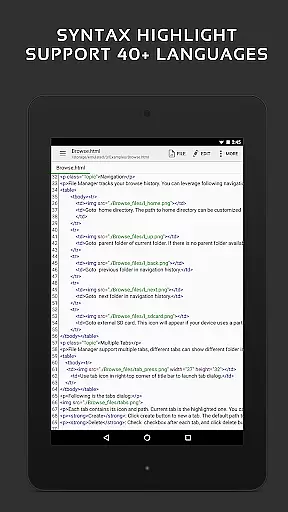
QuickEdit Text Editor Pro stands out with its comprehensive feature set that caters to diverse editing needs. The app provides syntax highlighting for more than 170 programming languages, complete with an integrated online compiler that supports over 30 languages including Python, Java, and C++.
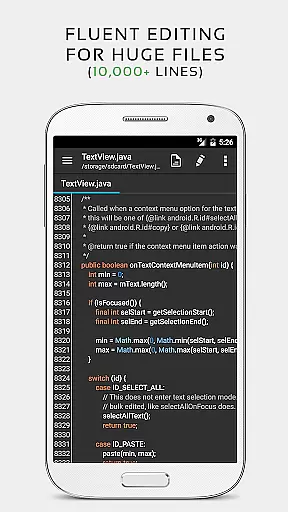
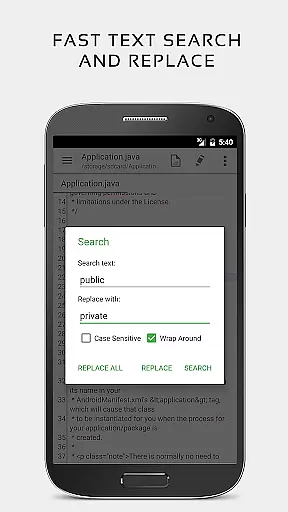
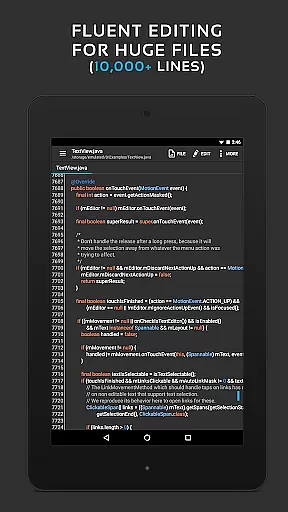
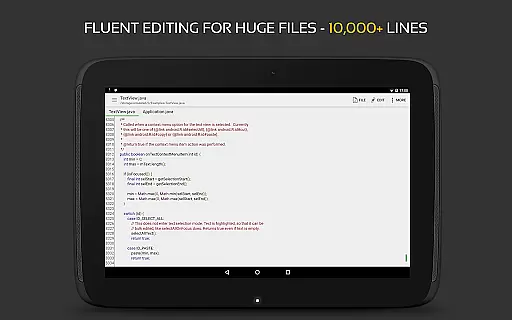
Performance optimization is at the core of QuickEdit's design. It can handle files containing more than 10,000 lines without lag, while offering smooth scrolling in both vertical and horizontal directions. The editor includes advanced navigation features such as multiple tab support, direct line targeting, and quick search/replace functionality.
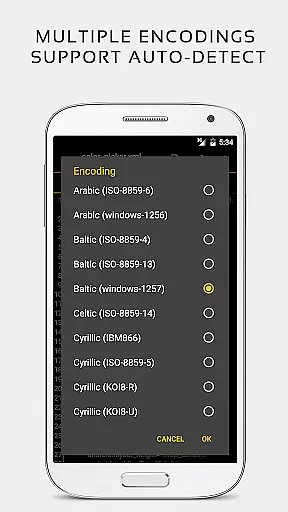
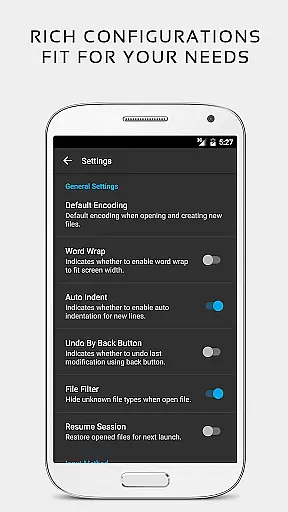
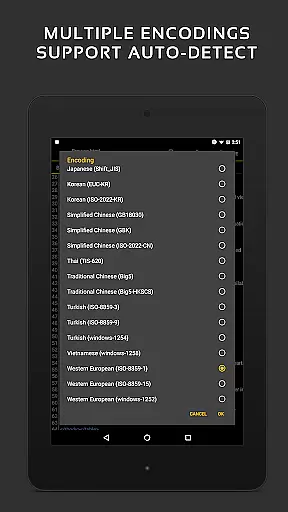
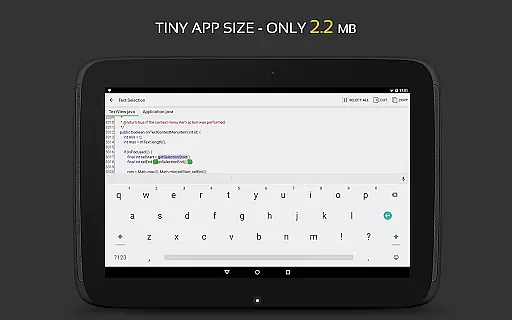
Professional users will appreciate the app's technical capabilities, including physical keyboard support with key combinations, automatic charset detection, and customizable font options. Additional features like HTML/CSS preview, hex color input, and root device system file editing make this application indispensable for power users seeking a mobile coding solution.
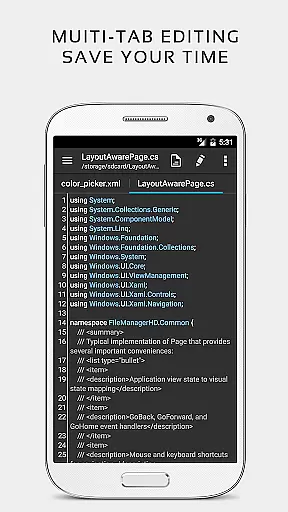
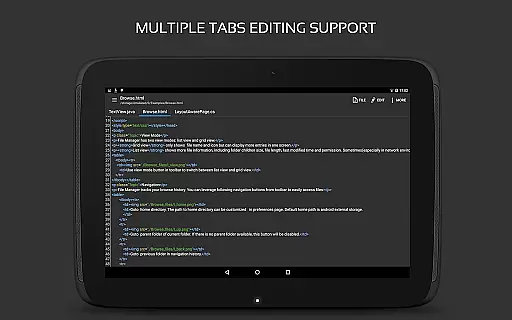
Task management is a critical aspect of productivity applications, and QuickEdit Text Editor Pro excels in this area. The app provides users with the ability to easily navigate between multiple open tabs, which is essential for managing various tasks simultaneously.
QuickEdit enhances task handling by offering features such as undo and redo changes without limit, displaying or increasing and decreasing line indentations, and fast selecting and editing capabilities. These functions allow users to efficiently manage their coding or text editing tasks with precision and control.
The application's performance is optimized for both phones and tablets, ensuring that task management is smooth and responsive regardless of the device used. This responsiveness, combined with physical keyboard support including key combinations, makes multitasking seamless and efficient.
By integrating task management features with high performance and user experience tweaks, QuickEdit Text Editor Pro ensures that users can handle large text files and complex programming tasks without lag, making it suitable for both general and professional use.
Cross-device synchronization is vital for users who work across multiple devices. QuickEdit Text Editor Pro addresses this need by providing reliable access to files from various cloud services including FTP, Google Drive, Dropbox, and OneDrive.
This feature ensures that whether you're working on a document at home, in the office, or on the go, your files are always up-to-date and accessible. The synchronization process is smooth, allowing users to pick up right where they left off, thus maintaining continuity in their workflow.
Moreover, QuickEdit supports opening files from recently opened or added file collections, streamlining the accessibility of frequently used documents. This functionality not only saves time but also enhances productivity by reducing the steps needed to access important files.
With its ad-free version and optimization for usage on both phones and tablets, QuickEdit Text Editor Pro delivers a dependable cross-device experience that professionals and general users can rely on for their text editing needs.
Fast and responsive performance
Extensive language support
Advanced coding features
Cloud integration options
Professional-grade tools
Paid version only
Steep learning curve
No beginner tutorials
Complex interface
Resource intensive

The long-awaited modern gallery app for your Nextcloud server
 4.70
4.70
Take control of your clipboard with Clipper!
3.90
Android Wallet Password Manager
4.80
Automates browsing any website and notifies you of important changes or events
4.30
Make apps & sites with natural language prompts
4.10
Calendar 2023 widget for Android. Appointment scheduler, planner, and reminder
4.60
Great calculator for Android named one of USA TODAY's "25 Essential Apps".
4.90
A beautiful digital clock with autostart and many other functions
4.70
Secure your apps with lock screens, use custom themes and different features.
4.40
Best Tool for the professionals Electrician, Electrical contractors, etc.
4.90
Use powerful, industry-leading AI tools to generate visual charts from any data
4.80
aCalendar+ makes your day, week and month
4.70
App lock - lock apps with fingerprint, password, pin or pattern, protect privacy
4.70
All document reader, all in one file viewer read PDF, DOCX, XLS, PPT, TXT files.
4.60
CalenGoo is a very flexible and feature-rich calendar app
4.40
Access your phone's notifications, calls, apps, photos & texts on your PC
3.90
ID.me Authenticator is a simple and free Two Factor Authentication solution
3.50
Code on-the-go with VScode for Android. Edit,debug and collaborate from mobile!!
3.10
Easiest event planning, volunteer signups & parent teacher conference scheduling
2.20


User Reviews