
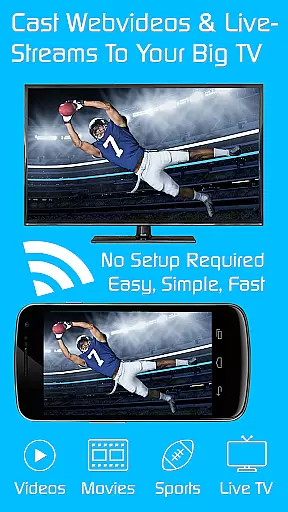
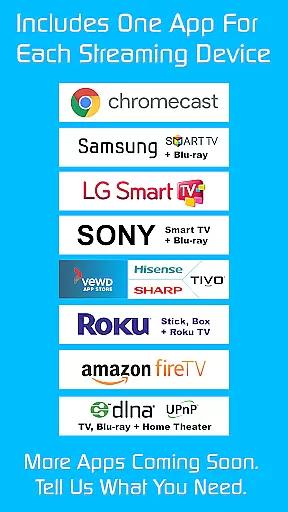
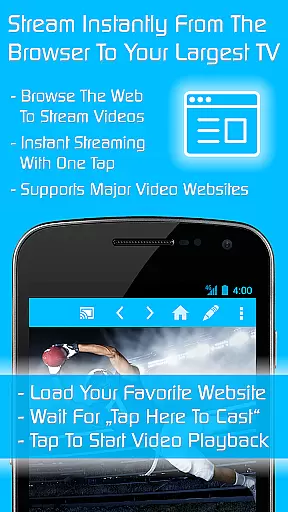
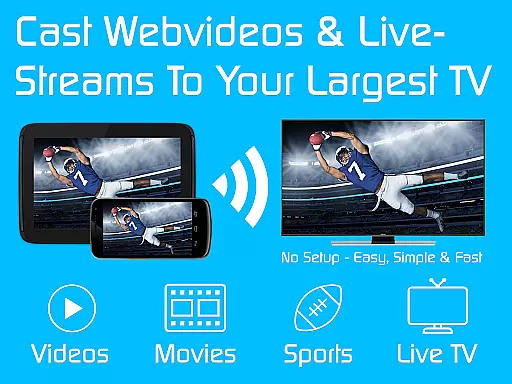
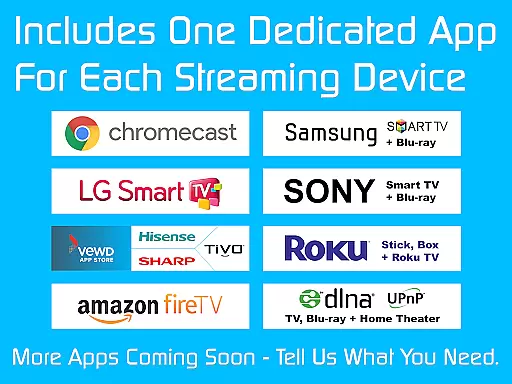
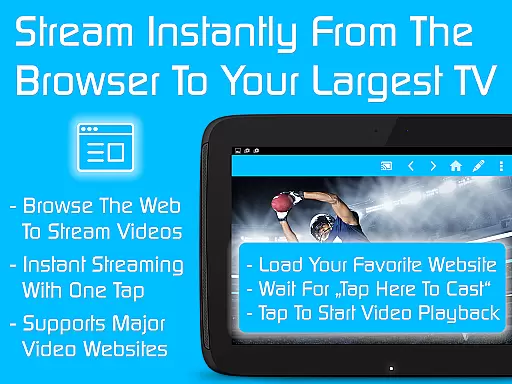
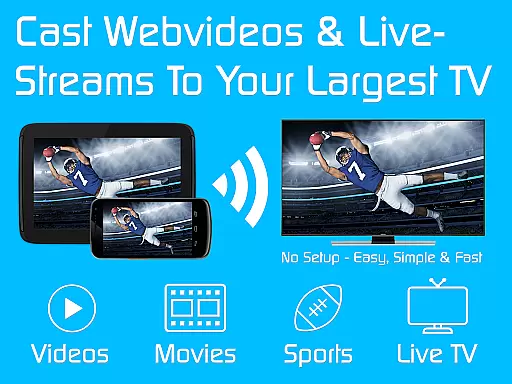
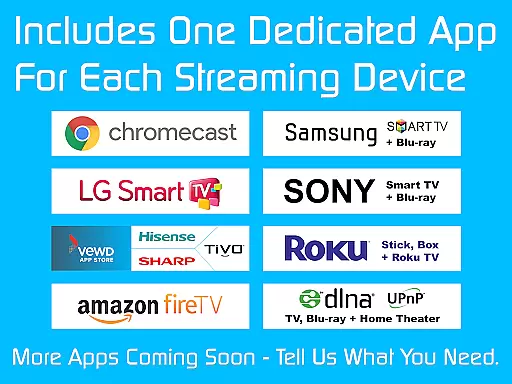
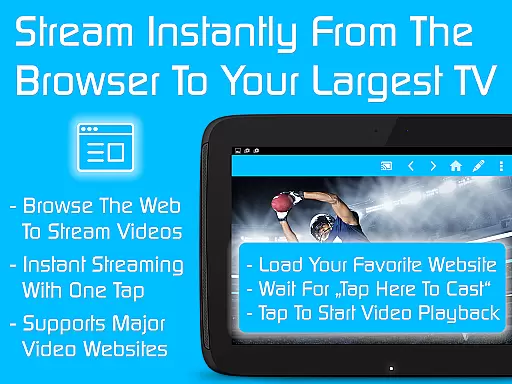
TV Cast is a versatile streaming browser app that allows users to stream and watch web videos, online movies, livestreams, and live TV shows on a variety of devices. Compatible with Chromecast, Samsung TV, LG TV, Sony TV, Hisense TV, Sharp TV, TiVo, Roku, Fire TV, DLNA, and Google Cast-powered devices, it offers an all-in-one solution for media streaming needs.
This Ultimate app serves as a LICENSE KEY unlocking premium features in all FREE Video & TV Cast editions on your Android device. By downloading the Ultimate app and any chosen edition, users can enjoy ad-free browsing, advanced playback controls, personalized homepage settings, desktop mode, unlimited bookmarks, and more.
Whether you're looking to enhance your streaming experience or manage content across multiple devices, TV Cast provides a seamless solution for accessing and enjoying digital media on the go.
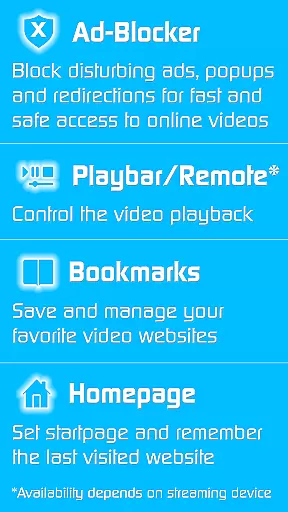
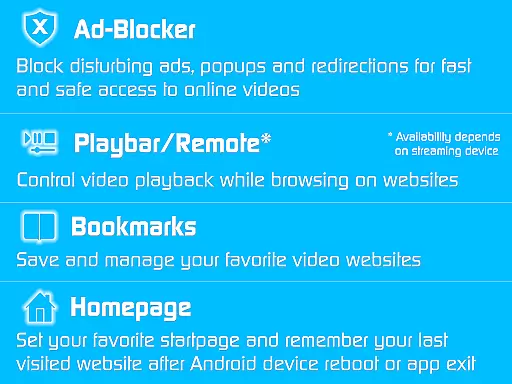
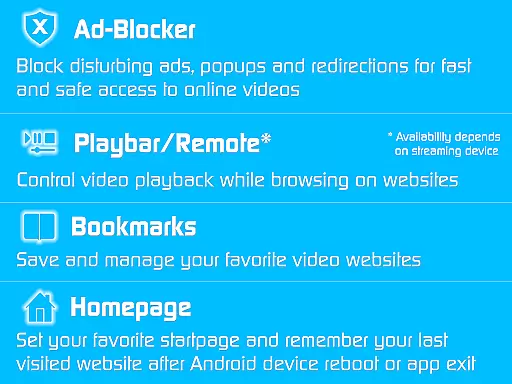
TV Cast stands out with its comprehensive set of features designed to elevate the streaming experience. The app includes an Ad-Blocker for websites, effectively blocking all advertisements, popups, and redirections caused by visited sites. This ensures uninterrupted viewing pleasure without distractions.
Playback control is enhanced through the Playbar/Remote feature, enabling fast forward, rewind, and video scrubbing capabilities while browsing. Users can also customize their experience by changing the homepage, setting personal preferences, and enabling desktop mode to access video links on certain websites.
Additional highlights include unlimited bookmarks for saving favorite websites and videos, no sponsoring advertisements, and compatibility with various streaming devices. These features collectively provide a robust platform for managing and enjoying multimedia content across different platforms.
TV Cast is designed to support a wide range of video formats, ensuring that users can stream content without worrying about compatibility issues. The app supports popular formats such as MP4, AVI, and MKV, among others, making it versatile for various streaming needs.
The application's broad format compatibility is achieved through advanced decoding technologies. This ensures smooth playback on Chromecast, Samsung TV, LG TV, Sony TV, and other supported devices, regardless of the original video format.
For users, this means they can enjoy their favorite web videos, online movies, and live TV shows without the hassle of converting files. The app handles all necessary conversions internally, providing a seamless experience across different platforms and devices.
By supporting a comprehensive list of video formats, TV Cast enhances user convenience and expands the possibilities for entertainment. Whether streaming from popular websites or personal media libraries, users can rely on consistent and high-quality playback performance.
TV Cast incorporates AI-powered editing features that elevate the video streaming and viewing experience. These intelligent tools assist users in optimizing video quality, adjusting playback settings, and enhancing overall viewing comfort based on individual preferences and device capabilities.
The app's AI algorithms analyze video content in real-time to automatically adjust parameters such as brightness, contrast, and color saturation. This ensures optimal picture quality across different devices, including Android TV, Fire TV, and DLNA-enabled devices, regardless of varying screen sizes and resolutions.
Additionally, the AI-powered features enable smart bookmarking and personalized recommendations. Users can easily save their favorite streaming positions and receive tailored suggestions for new content based on their viewing history and preferences.
These advanced editing capabilities not only improve video quality but also provide users with greater control over their viewing experience. By leveraging artificial intelligence, TV Cast delivers a more engaging and customized entertainment experience while maintaining ease of use.
User-friendly interface
Wide device compatibility
Comprehensive ad-blocking
Advanced playback controls
Customizable user experience
Premium requires separate app
Limited free version functionality
Device-specific feature limitations
Internet connection necessary
Potential caching issues

Video Player - Unlimited features, 30 days money back guarantee.
 4.60
4.60
Create & edit videos with AI
4.30
Capture images & record videos for USB Camera, Webcam, Microscopes, Endoscopes
3.80
Download website videos fast&privacy
4.40
Movie maker & video editing app with AI effects and green screen
4.30
Mix with Virtual DJ directly from your phone or tablet !
3.10
The essential companion to your Blue Iris PC software
2.50
Web Browser for LG TV to stream webvideos, online movies and livestreams in HD
4.20
Manage your YouTube channel on the go
4.40
Download Hub, easy and private way to download and enjoy your videos offline
4.80
#1 Torrent App on Android ** No Ads Ever + Battery Saver **
4.80
High-Quality USB Camera Viewer & HDMI Display
4.70
IPTV Loader, loads your own Playlist. DOES NOT CONTAIN ANY LIST OR CHANNELS
4.60
Cast to Chromecast, Xbox, Fire Stick, Roku, DLNA, Smart TV & No Feature Limited!
4.50
VLC for Android is the best open source video and music player, fast and easy!
4.10
IPTV-Smarters Player Pro M3U - Watch Live Stream TV Channels with Chromecast
4.00
AI Video Editor:AI Music, Text to Video,Text to Speech,Auto Caption,Video Effect
4.00
Save photos and videos from social apps in one tap.
3.60
Browser for Sony TV to stream web videos, online movies and live tv
3.20


User Reviews