
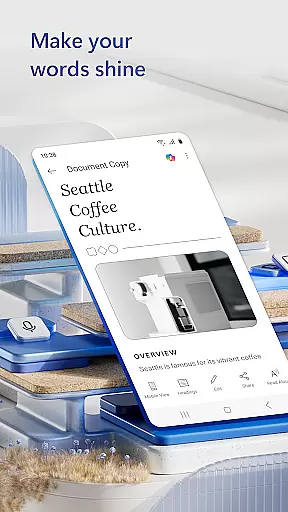
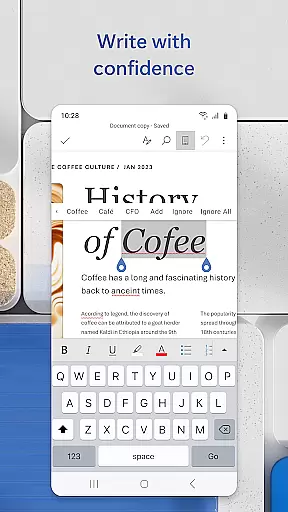
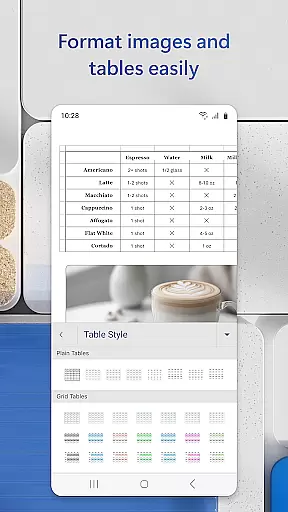
Microsoft Word is the quintessential mobile document editor, empowering users to create, edit, and collaborate on documents directly from their mobile devices. With functionality mirroring the desktop version, this app allows for seamless document management on the go. Whether crafting a cover letter, converting files to PDF, or working collaboratively on projects, Microsoft Word delivers powerful tools tailored for productivity.
The app's versatility extends beyond simple word processing. It offers an extensive template gallery including resumes and brochures, while supporting advanced features like PDF conversion and rich text formatting. Designed for professionals ranging from bloggers to project managers, it ensures that your documents maintain their integrity across all editing platforms.
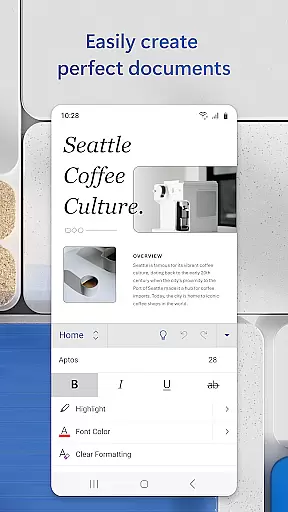
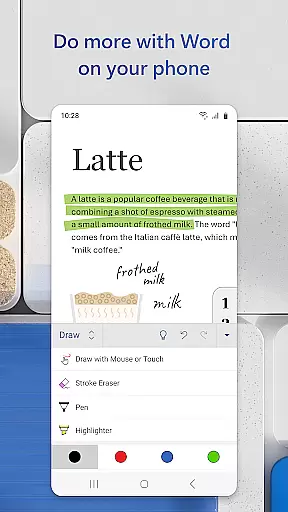
Microsoft Word stands out with its comprehensive feature set designed for both content creation and collaboration. The app provides beautiful, modern templates for various needs such as resumes and newsletters, ensuring that every document looks professional. Its reading view and editing capabilities allow users to work with PDFs and Word documents interchangeably, making it a versatile tool for any writing task.
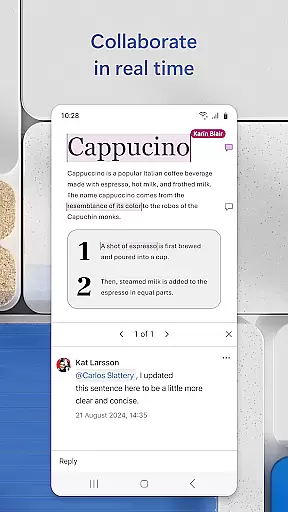
Collaboration is made easy with integrated commenting and revision tracking. Users can leave comments next to text, view editing history, and manage document permissions effectively. Sharing options are plentiful, allowing documents to be sent as links, emails, or attachments. These features collectively enhance productivity by streamlining workflows and keeping teams aligned, regardless of location.
Microsoft Word offers robust core task management features that streamline document creation and collaboration. The app allows users to create, edit, and share documents seamlessly across devices, ensuring productivity is not confined to desktop computers.
The application provides a variety of templates for resumes, cover letters, and more, empowering users to tackle diverse writing tasks with pre-designed formats. This feature simplifies the process of drafting professional-looking documents without starting from scratch.
With real-time collaboration tools, teams can work together efficiently, leaving comments and tracking changes directly within the document. This ensures everyone stays aligned and informed throughout the project lifecycle.
Moreover, Microsoft Word's PDF conversion capabilities enhance task management by enabling users to convert documents to and from PDF formats effortlessly. This flexibility supports various workflows and ensures compatibility across different platforms.
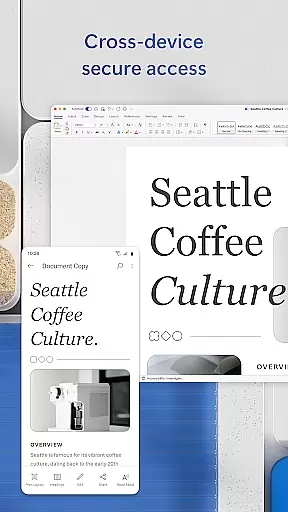
One of Microsoft Word's standout features is its reliable cross-device synchronization, which ensures that your documents are always up-to-date regardless of the device you're using. Whether you're switching between a smartphone, tablet, or PC, your work remains consistent and accessible.
This synchronization extends beyond mere document storage; it includes formatting, layout, and even collaborative edits. Users can pick up right where they left off, maintaining the integrity of their work without worrying about version control issues.
In addition, the built-in document viewer allows for easy access and editing of attachments and PDFs, further enhancing the cross-device experience. You can view and modify documents in Reading View or switch to Editing View for more comprehensive adjustments.
By signing into a free Microsoft account, users gain access to these synchronization benefits on devices with screens smaller than 10.1 inches, making mobile productivity both feasible and efficient. This reliability fosters a seamless workflow, allowing professionals to focus on their content rather than technical limitations.
User-friendly interface
Extensive template library
Real-time collaboration
PDF conversion tools
Cross-device compatibility
Requires Microsoft account
Limited free features
Occasional sync issues
Heavier on memory
In-app purchases necessary

Professional calendar app for Google Calendar, MS Outlook & Exchange
 4.20
4.20
All in one sketching tool. Technical and General drawing. Online Maps support.
3.70
Automates browsing any website and notifies you of important changes or events
4.30
Remotely view listen control and record cameras.
3.70
Find and delete junk files & block unwanted notifications & manage files
3.70
Translate text/voice/photos in 150+ languages. Offline & fast translator app.
4.50
A comprehensive suite of tools designed specifically for Lactation Consultants
4.2
Best Tool for the professionals Electrician, Electrical contractors, etc.
4.90
Share files & memories safely. Keep your photos and videos secure.
4.40
Multilingual translator for text, voice, and image translation!
4.90
Scientific calculator for Android - looks and operates like the real thing!
4.90
A simple Whisper AI keyboard for reliable speech transcription and rewording
4.60
Lightweight PDF, Word, Excel reader.
4.60
Secure your apps with lock screens, use custom themes and different features.
4.40
Pwnagotchi companion app
4.20
All in One PDF Reader: Manage, Read and Edit your Documents
4.20
Make your handwriting beautiful, even more than pen on paper.
3.60
Create study competitions, track your hours, and stay consistent with friends
4.1
IP Camera Viewer - Android TV : RTSP Surveillance camera viewer for Android TV
4.0


User Reviews