
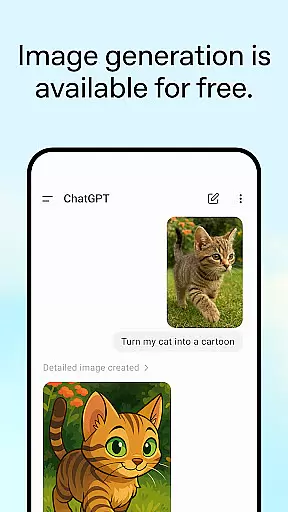
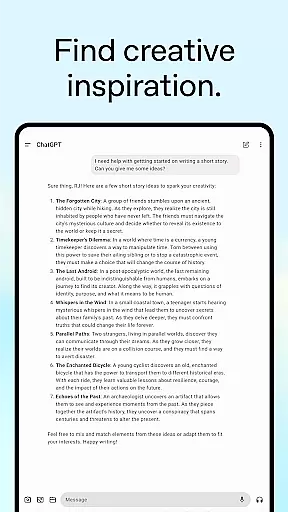
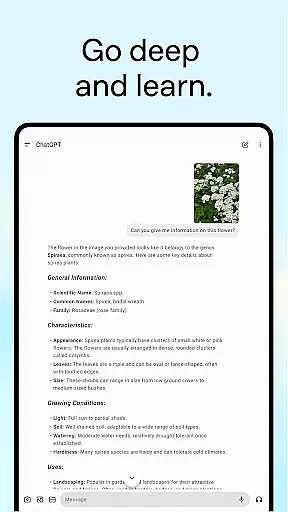
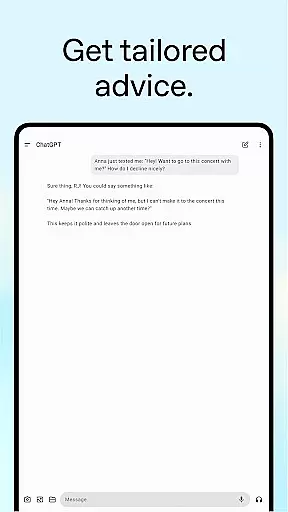
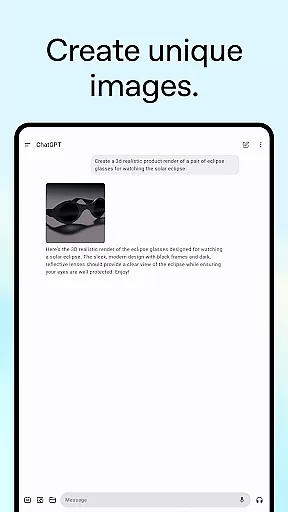
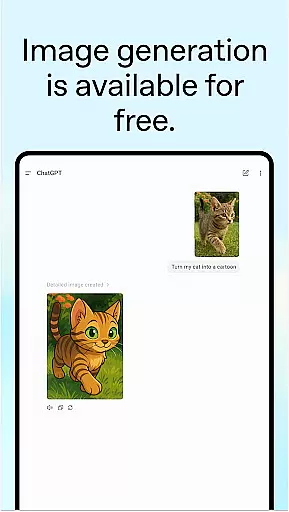
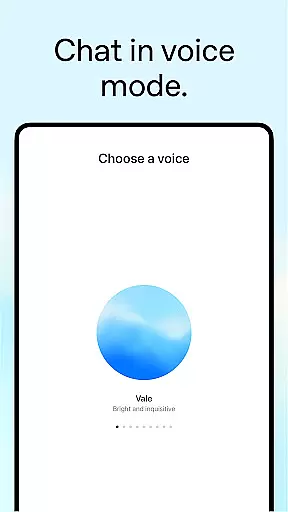
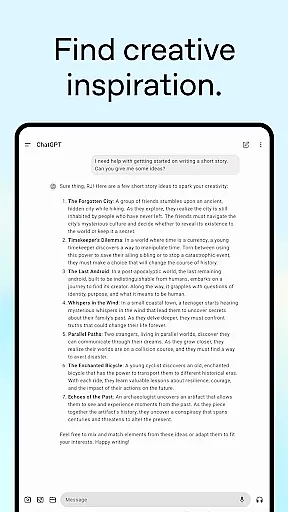
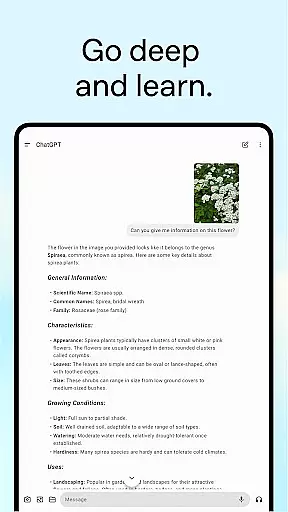
ChatGPT for Android offers OpenAI's cutting-edge advancements in a mobile app, designed to enhance productivity and creativity. This free application syncs history across devices, ensuring seamless access to your data wherever you are.
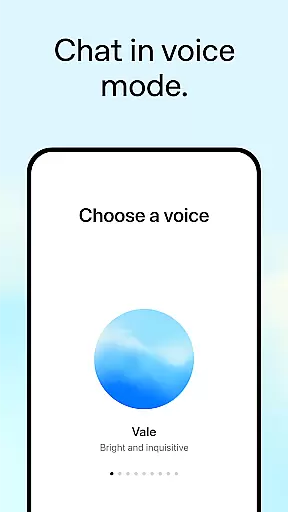
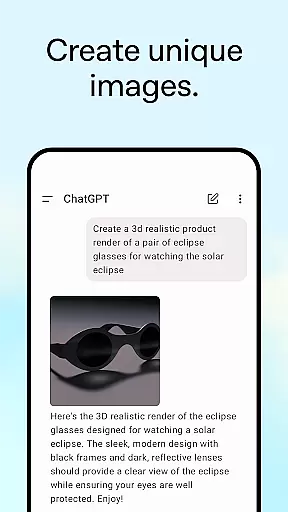
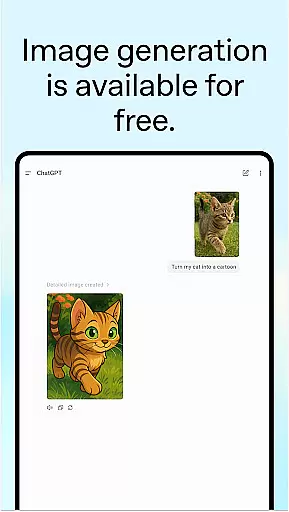
With features like image generation, advanced voice mode, and photo upload capabilities, ChatGPT transforms how you interact with AI. Whether generating images from descriptions or transcribing handwritten notes, the app provides versatile tools tailored to various needs.
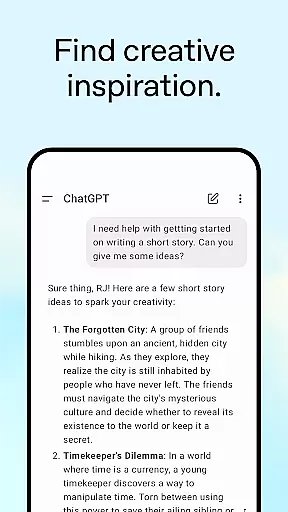
The app is ideal for users seeking creative inspiration, personalized learning, or professional input. From brainstorming marketing strategies to explaining complex concepts in simple terms, ChatGPT empowers users to achieve more with AI-powered assistance.
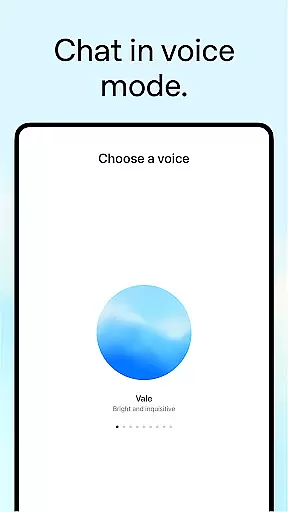
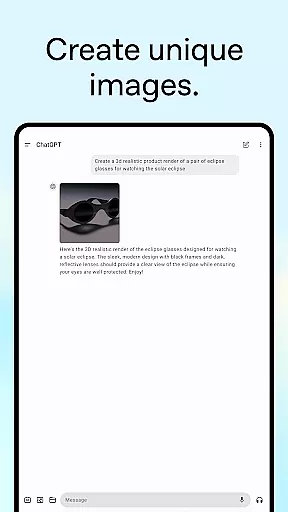
ChatGPT stands out with its rich feature set, including image generation that allows users to create original visuals or modify existing ones effortlessly. The advanced Voice Mode facilitates real-time conversations, making it perfect for debates or language practice.
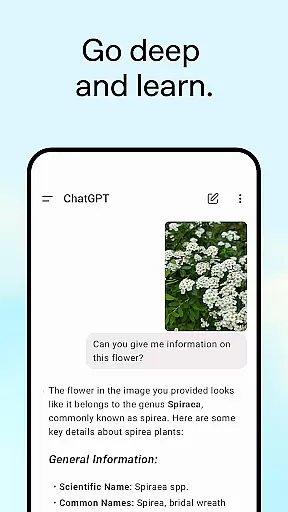
Photo upload functionality enables users to snap or upload pictures for transcription or information retrieval. Whether deciphering a recipe or identifying landmarks, this feature adds practical utility to everyday tasks.
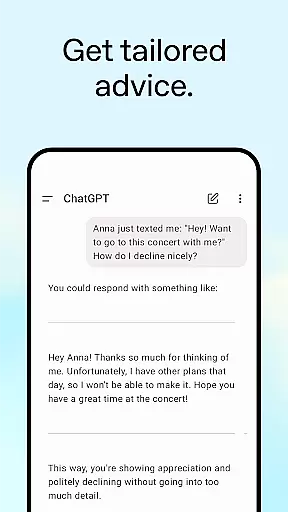
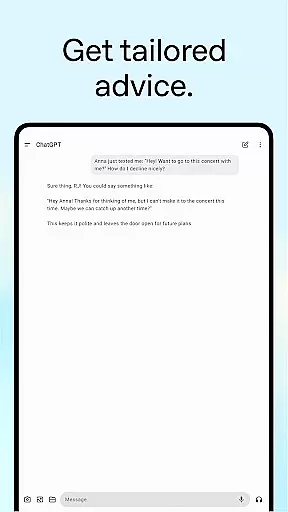
Tailored advice and personalized learning modules help users navigate tough situations, plan travels, or understand historical events. Professional input options support business planning and marketing efforts, while instant answers provide quick solutions for daily challenges.
Task management is a cornerstone of productivity applications, and ChatGPT excels in providing users with tools to organize their work efficiently. The app allows for the creation and tracking of various tasks, from generating original images to settling debates at the dinner table.
ChatGPT's advanced features such as Voice Mode and Photo upload enable users to manage tasks in real-time, whether it's transcribing handwritten notes or getting information about landmarks. This ensures that no matter where you are, your tasks can be updated and managed on-the-go.
The personalized learning and professional input features allow users to tailor advice and brainstorm marketing strategies, ensuring that both personal and business tasks are addressed. With these capabilities, users can maintain an organized workflow that adapts to their changing needs.
By integrating seamlessly with OpenAIu2019s latest advancements, ChatGPT offers instant answers and tailored advice which help in crafting detailed travel itineraries or perfect responses, making it an indispensable tool for those looking to enhance their productivity.
Cross-device synchronization is vital for users who operate across multiple platforms, and ChatGPT provides reliable syncing of user history across devices. This means that whether you're using your phone, tablet, or computer, your data remains consistent and up-to-date.
With the ability to sync history, users can start a task on one device and continue on another without missing a beat. For instance, generate an image on your desktop and refine it on your mobile while commuting. This flexibility supports a seamless transition between devices.
Moreover, the official app's integration with OpenAI ensures that all interactions, including voice conversations and photo uploads, are reliably stored and accessible wherever you go. This comprehensive approach to synchronization enhances the overall user experience.
By offering a dependable cross-device experience, ChatGPT empowers users to stay productive regardless of the device they choose to use, reinforcing its position as a leading productivity tool in today's fast-paced digital environment.
User-friendly interface
Versatile functionalities
Seamless cross-device syncing
Innovative image generation
Real-time voice interaction
Limited offline capabilities
Occasional response delays
Dependent on internet connectivity
Premium features require subscription
Privacy concerns with data sharing

AI Video AI Image Private LLM AI Browser Llama Gemma Ollama Connect LLM Studio
 4.2
4.2
Professional calendar app for Google Calendar, MS Outlook & Exchange
4.20
Wake up & get tasks done! Add alarms & reminders on the Clock Launcher.
4.00
8 custom complications. Custom Time Fonts. Beautiful color schemes. A++ Design.
5.00
The upgraded version of Name Wheel with AI and the power to add your own wheels.
4.1
The Pro Version of Android's tiniest Notepad app. Just 0.3MB but feature-packed!
4.60
Enjoy classic gameplay with customizable features and retro-style graphics.
4.30
Best Tool for the professionals Electrician, Electrical contractors, etc.
4.90
AT&T Internet customers can use this app to personalize their Wi-Fi network.
4.40
Great calculator for Android named one of USA TODAY's "25 Essential Apps".
4.90
Android Wallet Password Manager
4.80
All in One PDF Reader: Manage, Read and Edit your Documents
4.20
Cloud storage, automatic phone backup, and more.
4.10
Experience real multitasking on your Android!
4.00
Secure, open-source, SPICE and SSH Remote Desktop for QEMU KVM virtual machines
4.00
The ultimate file manager for rooted devices. The original and still the best.
4.00
Access your phone's notifications, calls, apps, photos & texts on your PC
3.90
Code on-the-go with VScode for Android. Edit,debug and collaborate from mobile!!
3.10
A comprehensive suite of tools designed specifically for Lactation Consultants
4.4


User Reviews