
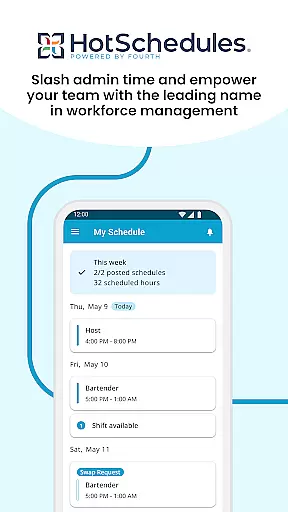
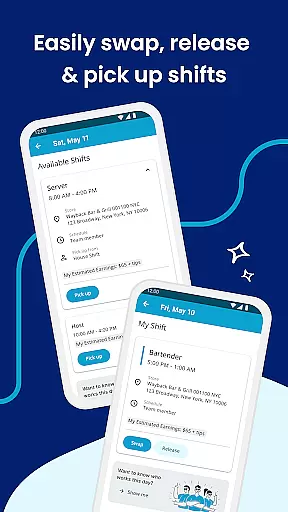
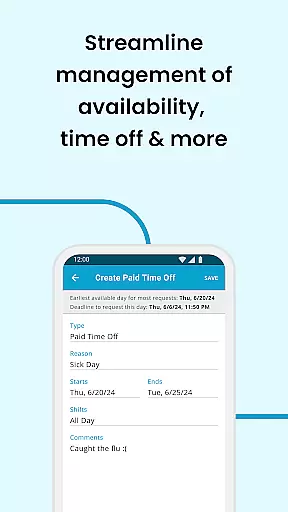
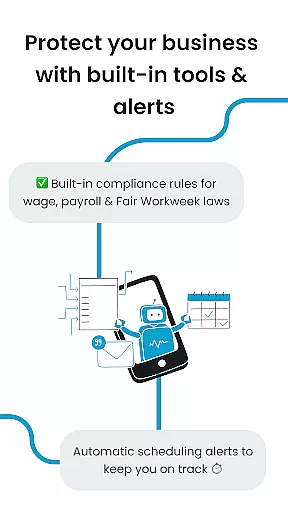
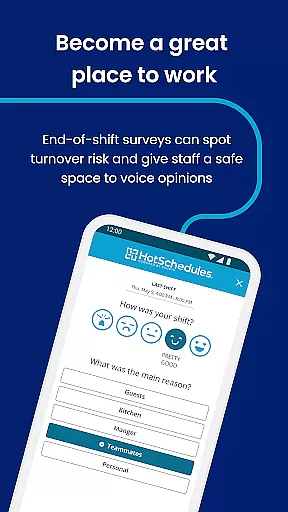
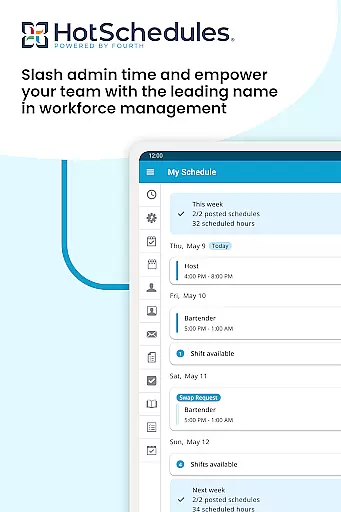
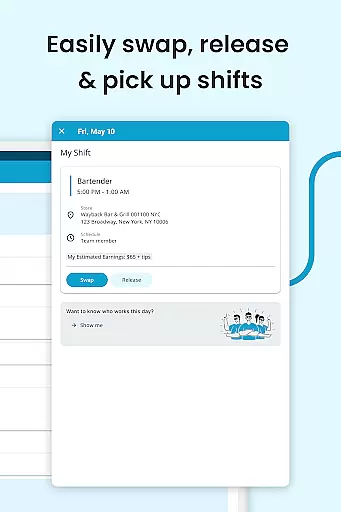
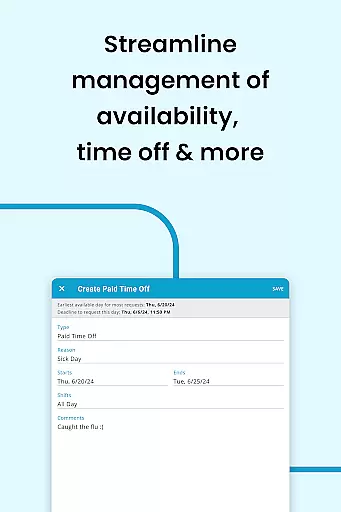
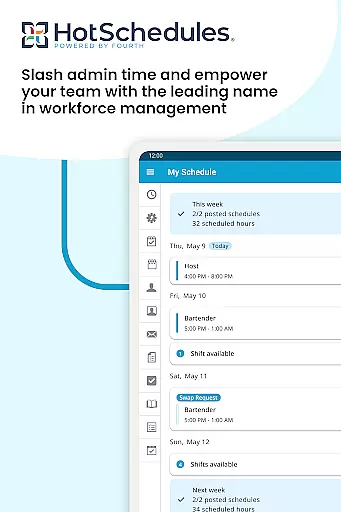
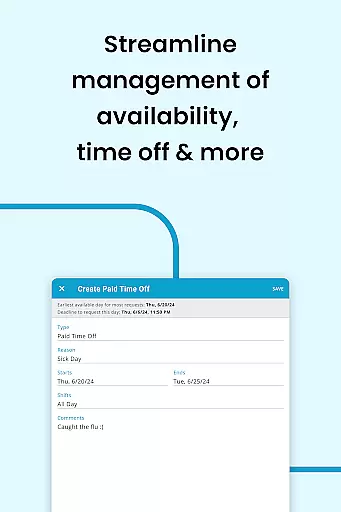
HotSchedules is a leading productivity app designed specifically for workforce management in industries like hospitality and retail. The app's core functionality revolves around employee scheduling, enabling both managers and team members to efficiently manage work shifts. For employees, the app offers one-click shift swapping, automatic shift pickups based on availability, and easy time-off requests, ensuring better work-life balance. Managers benefit from advanced features such as 75% faster schedule creation, real-time updates, and one-click approvals for shift changes. Additionally, the app provides tools for monitoring business performance through sales and labor snapshots, keeping managers connected even when they're away from the office.
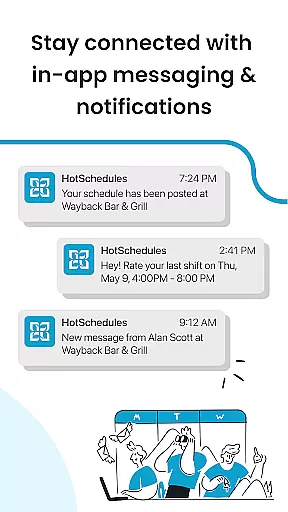
The app also supports calendar synchronization and instant notifications, ensuring that users are always up-to-date with their schedules. This makes it an ideal solution for businesses looking to streamline communication and improve operational efficiency. With its comprehensive set of features, HotSchedules helps teams stay organized, informed, and productive, all while fostering a positive workplace culture.
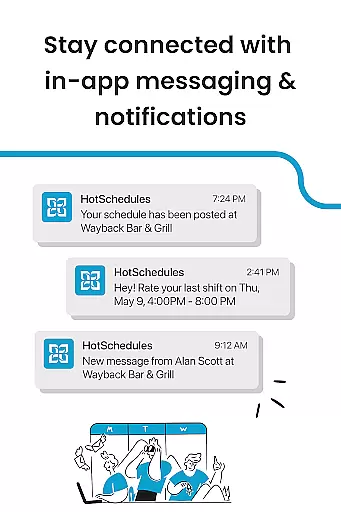
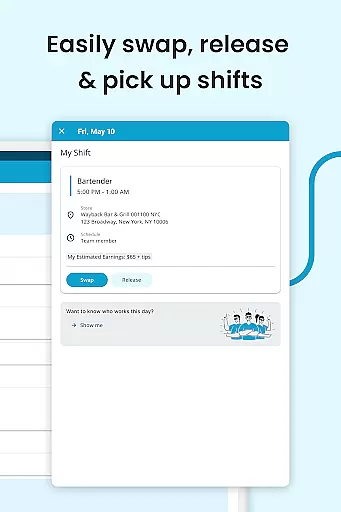
HotSchedules stands out due to its robust feature set tailored for both team members and managers. One of the key highlights is the ability for employees to manage their schedules effortlessly. They can swap shifts, pick up open shifts, or request time off with just a single click. Calendar sync ensures that any manager-approved changes are automatically updated on their personal devices, providing real-time visibility into their work commitments. Notifications keep everyone informed about schedule changes, ensuring no important shifts are missed.
For managers, the app offers significant time savings by simplifying the process of creating and managing schedules. It includes powerful tools for monitoring business performance remotely, such as sales and labor snapshots. These insights allow managers to make data-driven decisions without being tied to a desk. Furthermore, the app facilitates seamless communication through broadcast and one-to-one messaging, helping maintain a cohesive and motivated team environment. With these capabilities, HotSchedules not only enhances productivity but also promotes a more engaged and satisfied workforce.
HotSchedules excels in core task management by offering a comprehensive suite of tools designed to streamline scheduling and team communication. The app allows for quick shift swaps, pickups, and releases with just one click, making it easy for employees to manage their work-life balance.
For managers, the app provides significant time savingsu2014up to 75%u2014when creating schedules and offers one-click approvals for shift changes. This efficiency not only reduces administrative workload but also enhances team productivity by ensuring everyone is always up-to-date with the latest schedule adjustments.
The automatic syncing of schedules and notifications ensures that any manager-approved changes are instantly updated on the user's phone. This real-time update capability keeps the entire team aligned and informed, reducing miscommunication and scheduling conflicts.
Cross-device synchronization is a standout feature of HotSchedules, ensuring reliable and consistent updates across all user devices. Whether you're using a smartphone, tablet, or computer, the app maintains perfect harmony, providing users with access to the most current schedule information wherever they are.
Calendar sync functionality further enhances this reliability by integrating seamlessly with users' personal calendars. This integration means that whether you're viewing your schedule on your phone or planning your week on a desktop calendar, all your shifts and important dates are accurately reflected.
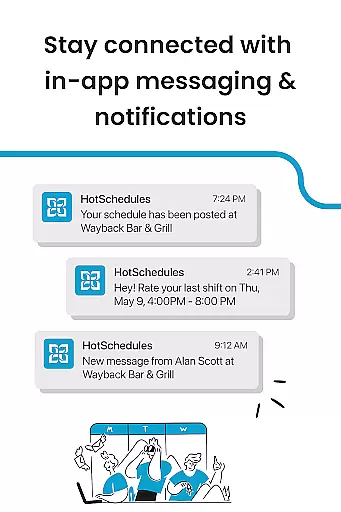
Notifications play a crucial role in maintaining synchronization reliability. Users receive instant alerts for any schedule changes, ensuring they never miss an update. This robust notification system, combined with automatic syncing, guarantees that every team member stays informed and prepared, regardless of the device they use.
User-friendly interface
Real-time schedule updates
Efficient shift management
Comprehensive reporting tools
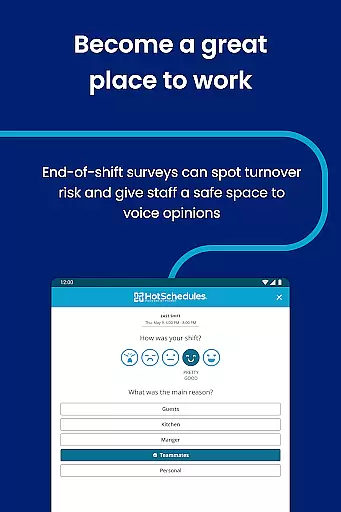
Enhanced team communication
Requires employer account
Limited to specific industries
Dependent on internet connectivity
No offline mode available
Premium features may incur extra costs

Professional calendar app for Google Calendar, MS Outlook & Exchange
 4.20
4.20
The Pro Version of Android's tiniest Notepad app. Just 0.3MB but feature-packed!
4.60
Remotely view listen control and record cameras.
3.70
aCalendar+ makes your day, week and month
4.70
CalenGoo is a very flexible and feature-rich calendar app
4.40
PDF scanner & converter for files, photos, lottery, QR codes. One swipe away!
4.50
Translate text/voice/photos in 150+ languages. Offline & fast translator app.
4.50
Scientific calculator for Android - looks and operates like the real thing!
4.90
Daily processing of PDF documents.
4.40
Great calculator for Android named one of USA TODAY's "25 Essential Apps".
4.90
Best Tool for the professionals Electrician, Electrical contractors, etc.
4.90
Simple notepad & memo. Take notes, to-do list, shopping list with reminders.
4.80
Functional QR scanner and barcode reader that requires little storage space.
4.60
Experience Reading - Night Mode for Documents
4.40
Secure your apps with lock screens, use custom themes and different features.
4.40
Share files & memories safely. Keep your photos and videos secure.
4.40
Automates browsing any website and notifies you of important changes or events
4.30
Enjoy classic gameplay with customizable features and retro-style graphics.
4.30
Access your phone's notifications, calls, apps, photos & texts on your PC
3.90


User Reviews