
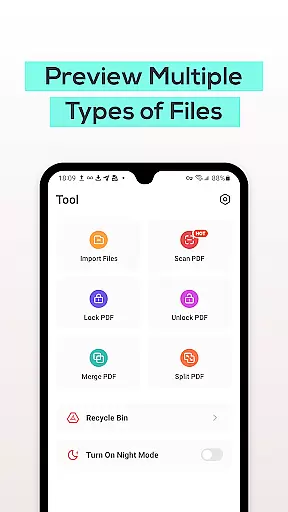
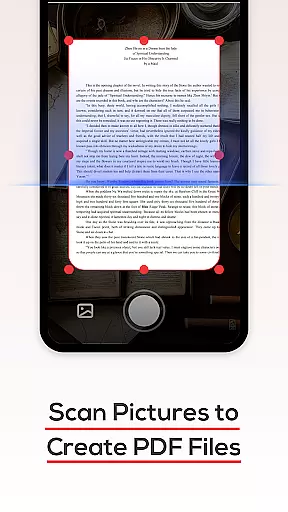
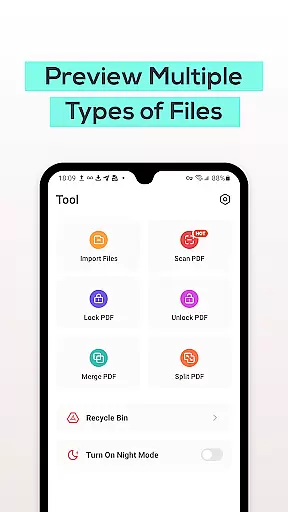
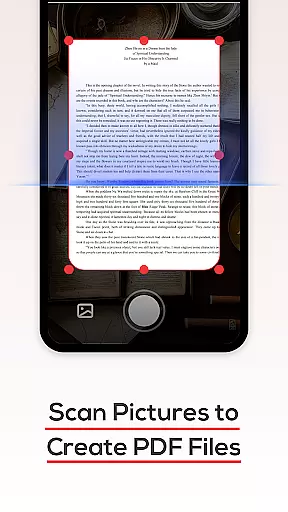
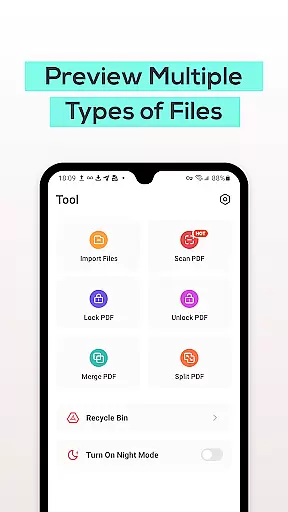
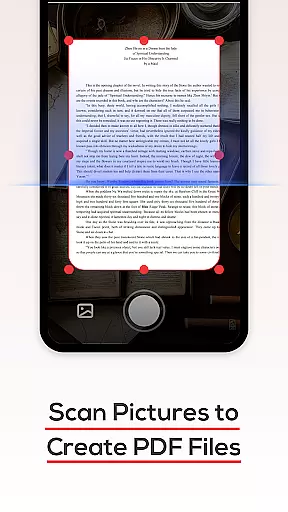
PDF File Reader is a productivity app designed to help users efficiently manage PDF files on their mobile devices. With its powerful features, this app allows you to quickly process documents in PDF format while also supporting viewing of Word, PowerPoint, and Excel files.
The app's core functionality includes opening PDF files with ease, performing simple operations like highlighting and underlining text, and offering a recycle bin feature that temporarily stores deleted files for seven days. Whether you're a student or a professional, PDF File Reader simplifies your document management tasks significantly.
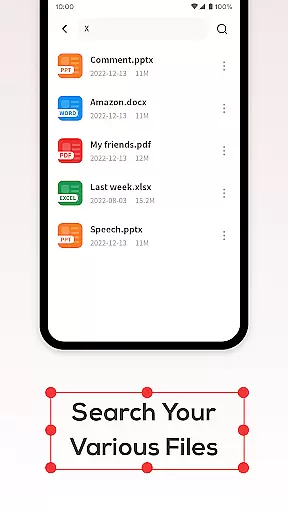
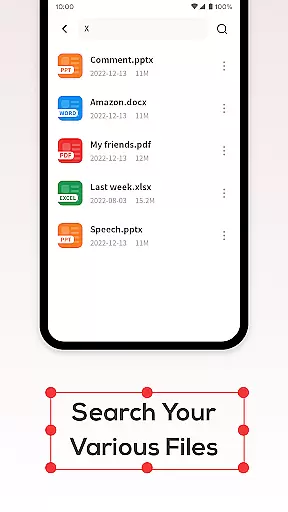
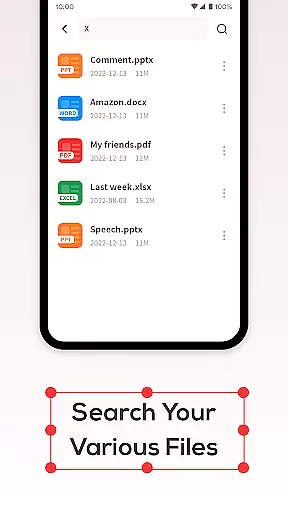
One of the standout features of PDF File Reader is its ability to perform quick searches for PDF documents, eliminating long wait times. This ensures that you can find the files you need without any hassle.
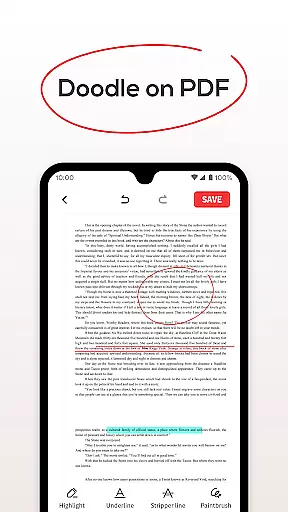
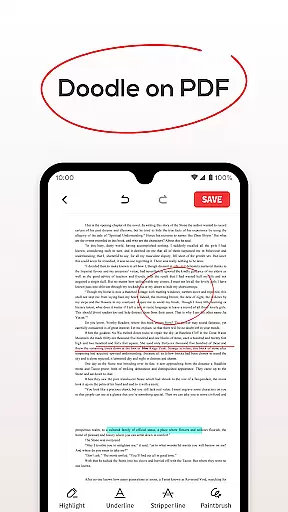
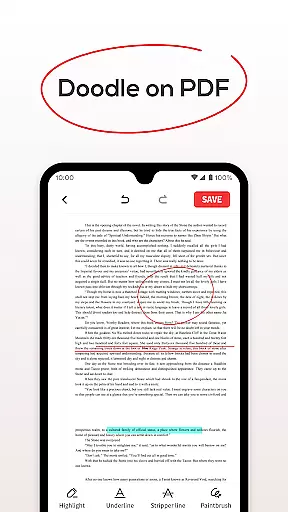
In addition to viewing PDFs, the app allows users to add highlights and underline text directly within their documents. The built-in recycle bin provides peace of mind by saving deleted files for up to seven days, giving you ample time to recover important documents if needed.
These capabilities make PDF File Reader an essential tool for anyone who frequently works with PDFs on their phone, streamlining workflows and enhancing productivity.
In the realm of productivity, managing tasks efficiently is paramount. PDF File Reader excels in this area by offering a streamlined approach to handling PDF documents. This application allows users to not only view PDF files but also perform essential edits that enhance document readability and organization.
With features such as text highlighting, underlining, and the ability to add fills, users can easily emphasize important information within their documents. These functions are crucial for individuals who need to review and annotate documents regularly, ensuring that key points stand out and are easily referenced later.
The app's efficient file search capability further augments its task management prowess. Users can swiftly locate specific PDFs among potentially hundreds of files, saving valuable time that would otherwise be spent on manual searching. This feature is particularly beneficial for professionals dealing with large volumes of data daily.
By integrating these functionalities, PDF File Reader provides an all-encompassing solution for anyone looking to optimize their document management process. Its intuitive design and robust feature set make it an indispensable tool for enhancing productivity in both personal and professional settings.
One of the standout features of PDF File Reader is its reliable cross-device synchronization. In today's fast-paced world, having access to your documents across multiple devices is not just convenient; it's essential. This app ensures that your PDF files are consistently updated and accessible, no matter where you are or which device you're using.
The Recycle Bin feature adds another layer of reliability to the synchronization process. When files are deleted, they can either be removed permanently or placed in the Recycle Bin. This safety net prevents accidental deletions from causing permanent data loss, providing peace of mind for users who rely on their digital documents.
Moreover, the Recycle Bin automatically clears files after seven days, maintaining a balance between data protection and storage efficiency. This thoughtful design aspect ensures that users have ample opportunity to recover mistakenly deleted files without cluttering their devices with unnecessary data.
PDF File Reader's commitment to seamless integration across devices, coupled with its robust backup and recovery options, makes it a top choice for individuals seeking a dependable solution for managing their PDF documents. Whether at home, in the office, or on the go, users can trust that their files will be there when they need them most.
User-friendly interface
Quick file search
Recycle bin for safety
Highlight and underline tools
Supports multiple formats
Limited advanced editing
No cloud integration
Ads may appear
Basic formatting tools
Seven-day recycle bin limit

AI Video AI Image Private LLM AI Browser Llama Gemma Ollama Connect LLM Studio
 4.0
4.0
When you Focus, so will your Bean in this cozy focus timer
4.30
Auto-shutoff Alarm with Sunrise, Sunset & Fixed Options.
3.50
Translate text/voice/photos in 150+ languages. Offline & fast translator app.
4.50
Access, manage and transfer files on Android, PC, Mac, NAS and cloud storages.
4.30
A comprehensive suite of tools designed specifically for Lactation Consultants
4.0
To do list widget with a notebook organizer, checklist, simple shopping list
4.60
Understand anything with a personalized AI research assistant
4.80
Put a lock on your cloud: Take the security of your data into your own hands
3.70
Use powerful, industry-leading AI tools to generate visual charts from any data
4.80
QuickBooks Workforce lets teams view pay info and track time in one place.
4.70
Direct Chat without saving contacts & Dual WA Account on Single Device
4.70
Secure, fast, open-source, Remote Desktop Client for Windows and Linux with SSH
4.60
The AI assistant that thinks with you - write, code, and solve complex tasks
4.60
PDF scanner & converter for files, photos, lottery, QR codes. One swipe away!
4.50
Tally and goal counter for Wear OS & mobile
4.50
Todo reminder
4.10
Cloud storage, automatic phone backup, and more.
4.10
The ultimate file manager for rooted devices. The original and still the best.
4.00


User Reviews