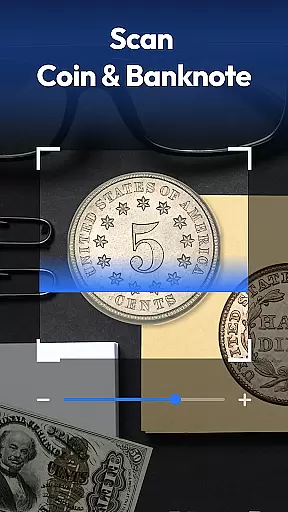
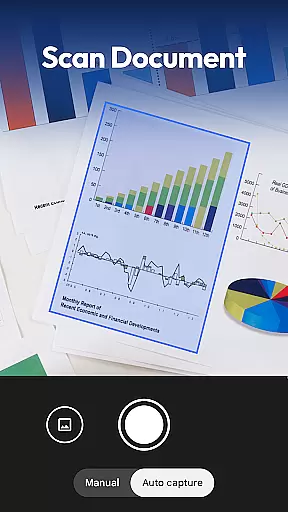
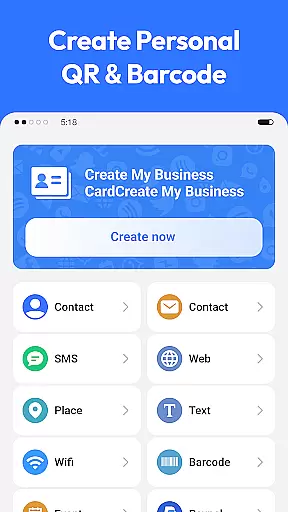
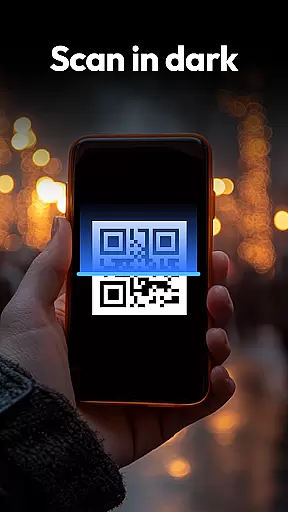
QR & Barcode Scanner is a versatile productivity tool designed to streamline various scanning tasks on Android devices. This all-in-one application combines traditional QR and barcode scanning with specialized recognition capabilities for coins, banknotes, food labels, and documents.
The app's standout feature is its comprehensive scanning functionality that caters to multiple user needs. Whether you're managing inventory, collecting currency, tracking nutritional information, or digitizing documents, this application provides efficient solutions through its advanced scanning technology and intelligent processing features.
Particularly valuable for professionals and enthusiasts alike, the app serves as an essential tool for streamlining business operations, enhancing collections management, and making informed purchasing decisions. Its privacy-focused design and smart features like auto-zoom and flashlight make it an indispensable utility for modern Android users.
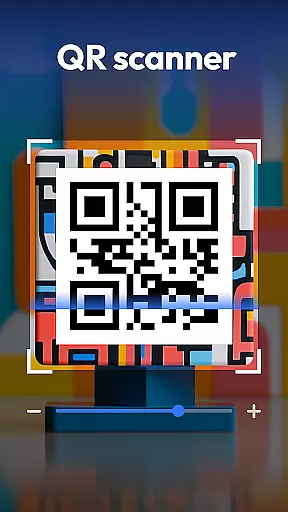
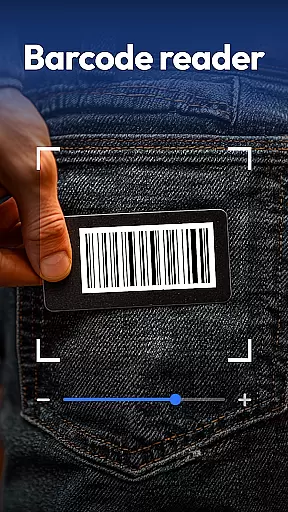
QR & Barcode Scanner distinguishes itself through an impressive array of sophisticated features designed to enhance productivity. The application supports all major scanning formats including QR codes, Data Matrix, UPC, EAN, and Code 39, while offering specialized recognition for currency and food products.
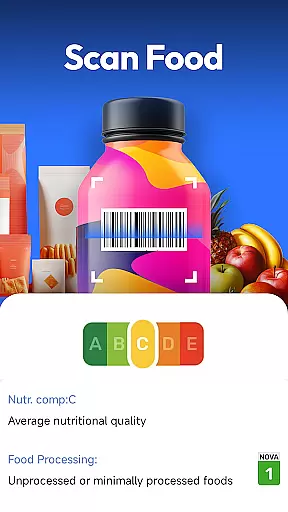
Advanced capabilities include coin and banknote identification for collectors and travelers, complete with detailed information about each piece. The food scanner provides instant access to nutrition grades, allergen warnings, and ingredient lists, empowering users to make healthier choices. Document scanning functionality allows users to convert physical papers into searchable PDFs with remarkable accuracy.
Additional features such as automatic zoom adjustment, low-light scanning with flashlight support, and comprehensive scan history management demonstrate the app's commitment to user convenience. The inclusion of price comparison tools for major retailers and QR code generation capabilities further expands its utility in professional and personal contexts.
Task management is a crucial aspect of productivity applications, enabling users to organize and prioritize their daily activities effectively. QR & Barcode Scanner excels in this area by integrating multiple scanning functionalities into one streamlined interface.
The app allows users to manage various tasks such as scanning QR codes, barcodes, coins, banknotes, food labels, and documents seamlessly. This all-in-one approach eliminates the need for separate apps, consolidating task management into a single, efficient tool.
By incorporating features like scan history and smart auto-zoom, users can easily track previous scans and capture clear images even in challenging lighting conditions. These capabilities ensure that users maintain control over their scanning tasks without unnecessary interruptions or complications.
Cross-device synchronization is essential for users who rely on consistent access to their data across multiple devices. QR & Barcode Scanner addresses this need by ensuring reliable synchronization of scan histories and generated QR codes.
With privacy-first principles, the app only requires camera access and does not demand unnecessary permissions, safeguarding user data while maintaining synchronization integrity. Users can trust that their information remains secure and up-to-date, regardless of the device they use.
Furthermore, the app's lightweight design and compatibility with Android 8.0+ guarantee smooth performance and dependable cross-device functionality. This reliability empowers users to transition between devices effortlessly, knowing their scanning data is always accessible and accurate.
Comprehensive scanning options
User-friendly interface
Privacy-focused design
Fast and accurate results
Versatile functionality
Limited iOS availability
Occasional scanning errors
Ads in free version
Internet required
Storage space needed

Unlock AutoNotification
 4.00
4.00
Send files, sync SMS, notifications & clipboard across devices via local network
4.40
Device's storage information in a simple and clear graphical form (infographics)
4.10
All in One PDF Reader: Manage, Read and Edit your Documents
4.20
Simple and reliable communication between inmates, friends and family
3.20
Great calculator for Android named one of USA TODAY's "25 Essential Apps".
4.90
A beautiful digital clock with autostart and many other functions
4.70
A Pixel Art watchface inspired by other iconic 90s designs for Wear OS devices!
4.40
Use powerful, industry-leading AI tools to generate visual charts from any data
4.80
Direct Chat without saving contacts & Dual WA Account on Single Device
4.70
aCalendar+ makes your day, week and month
4.70
The Pro Version of Android's tiniest Notepad app. Just 0.3MB but feature-packed!
4.60
A lightweight JSON & XML files creator, editor and viewer (Premium Version)
4.40
Cloud storage, automatic phone backup, and more.
4.10
Activate Two Factor Authentication (2FA or Multi OTP), Password manager and more
4.10
Experience real multitasking on your Android!
4.00
Access your phone's notifications, calls, apps, photos & texts on your PC
3.90
Auto-shutoff Alarm with Sunrise, Sunset & Fixed Options.
3.50
Easiest event planning, volunteer signups & parent teacher conference scheduling
2.20


User Reviews