
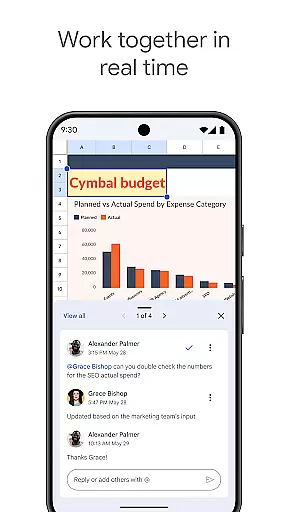
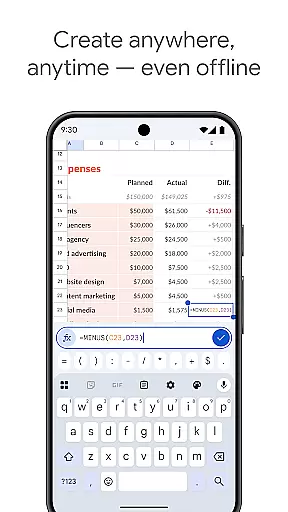
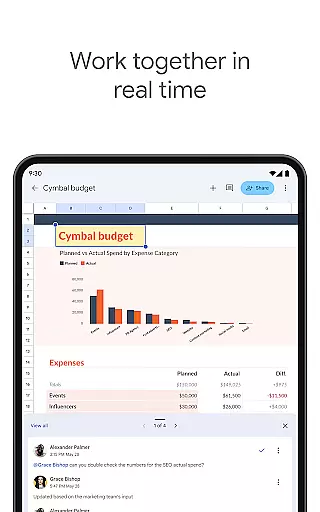
Google Sheets is a powerful productivity app that allows users to create, edit, and collaborate on spreadsheets directly from their Android devices. The app supports real-time collaboration, enabling multiple users to work on the same spreadsheet simultaneously. With its intuitive interface, users can format cells, enter data, sort information, insert formulas, and even work offline.
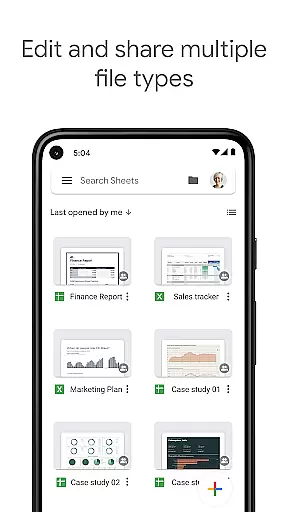
The application automatically saves all work, ensuring that users never lose important data. It also offers smart suggestions to quickly generate insights and apply formatting. Google Sheets is part of Google Workspace, providing seamless integration with other tools like Excel. Subscribers gain access to advanced features including AI-powered insights, enterprise-grade security, and custom solutions for businesses.
Google Sheets stands out with its comprehensive feature set tailored for productivity. The app allows users to create new spreadsheets or edit existing ones with ease. Its collaboration tools are robust, supporting real-time edits and integrated chat functionality within the spreadsheet. Users can add and respond to comments, making teamwork more efficient.
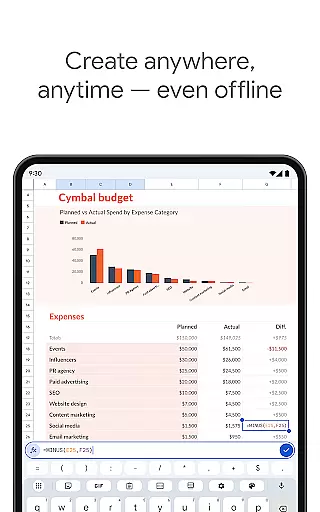
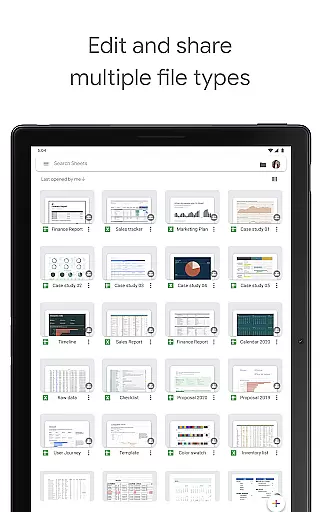
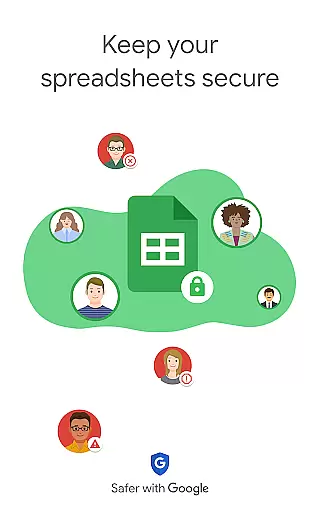
Advanced features include AI-powered insights that help users analyze data faster and smarter. The app provides seamless compatibility with Excel files and integrates with other Google Workspace tools. With enterprise-grade security, businesses can maintain control over sensitive information. Offline access ensures productivity continues even without an internet connection, while automatic saving guarantees no work is ever lost.
Google Sheets excels in core task management by providing a comprehensive suite of tools designed to handle various spreadsheet tasks efficiently. The app allows users to create new spreadsheets or edit existing files, ensuring that all work is saved automatically as you type.
With features such as formatting cells, entering or sorting data, viewing charts, inserting formulas, and using find/replace functions, Google Sheets offers an extensive range of capabilities. These functionalities enable users to manage their data effectively, whether for personal use or collaborative projects.
Moreover, the ability to add and respond to comments within the spreadsheet fosters seamless communication among team members. This ensures that everyone stays on the same page, enhancing productivity and streamlining workflow processes.
Cross-device synchronization is a standout feature of Google Sheets, allowing users to work anywhere, anytimeu2014even offline. This reliability ensures that your spreadsheets are always up-to-date across all devices, providing flexibility and convenience.
Whether you're switching between your Android phone, tablet, or computer, Google Sheets maintains consistency and accuracy in your data. Any changes made are automatically synced, so you never have to worry about version control issues or losing important updates.
For Google Workspace subscribers, this synchronization extends further with real-time collaboration features. Multiple users can work on the same spreadsheet simultaneously, seeing changes as they occur. This level of integration enhances teamwork and boosts overall efficiency, making Google Sheets an indispensable tool for modern productivity needs.
Real-time collaboration
Automatic saving
Offline access
AI-powered insights
Excel compatibility
Limited advanced features
Requires Google account
Occasional sync issues
Basic chart options
UI not fully optimized

Create study competitions, track your hours, and stay consistent with friends
 4.2
4.2
Enjoy classic gameplay with customizable features and retro-style graphics.
4.30
Translate text/voice/photos in 150+ languages. Offline & fast translator app.
4.50
Subscribe to Webcal & .ics calendars and keep them up-to-date!
4.50
Secure, open-source, SPICE and SSH Remote Desktop for QEMU KVM virtual machines
4.00
Experience and share your SolidWorks designs on your Android® phone and tablet.
2.50
Okta MFA
4.70
Daily processing of PDF documents.
4.40
Browse and view your photos and videos from the phone with photo & video hide.
4.10
Simple notepad & memo. Take notes, to-do list, shopping list with reminders.
4.80
QuickBooks Workforce lets teams view pay info and track time in one place.
4.70
Client for Nextcloud Deck
4.60
App Lock with fingerprint, password: Lock apps & hide photos with lock screens
4.60
Stay on top of your to-dos with Google Tasks, part of Google Workspace.
4.60
Calendar 2023 widget for Android. Appointment scheduler, planner, and reminder
4.60
Share files & memories safely. Keep your photos and videos secure.
4.40
Professional calendar app for Google Calendar, MS Outlook & Exchange
4.20
Customizable calendar widget for seamless event sync, planning & scheduling.
4.00
ID.me Authenticator is a simple and free Two Factor Authentication solution
3.50


User Reviews