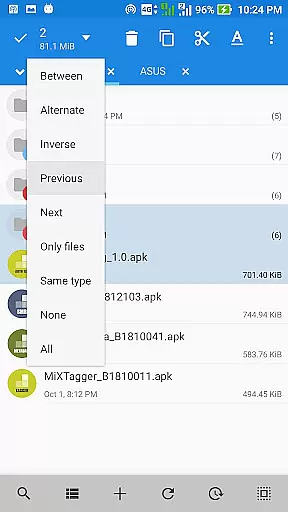
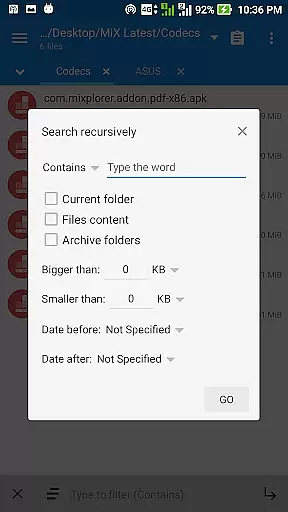
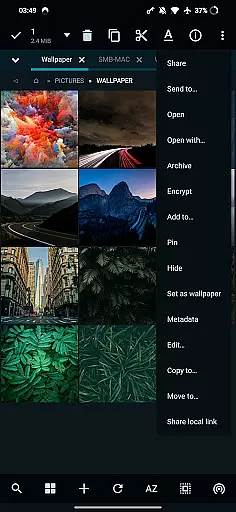
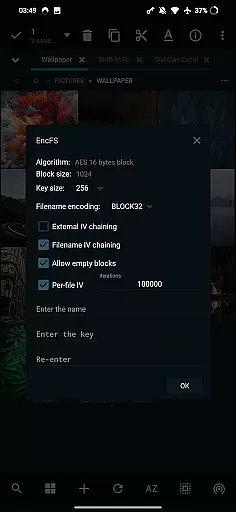
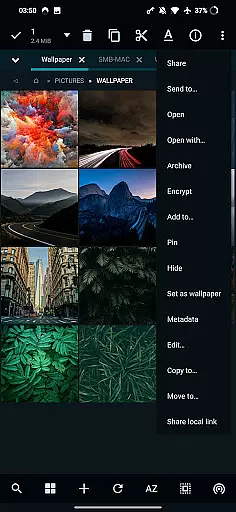
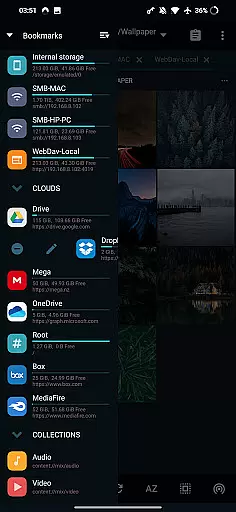
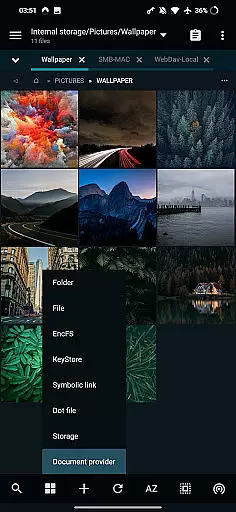
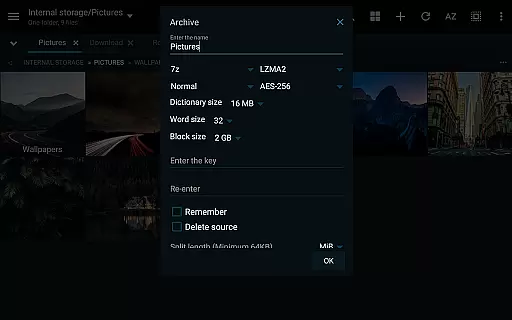
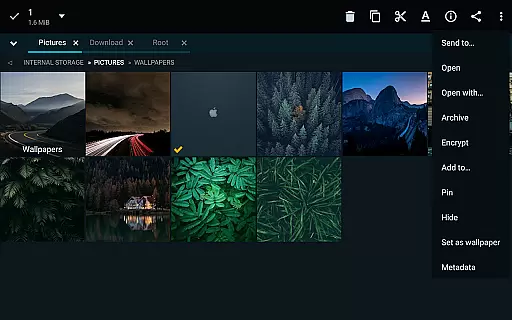
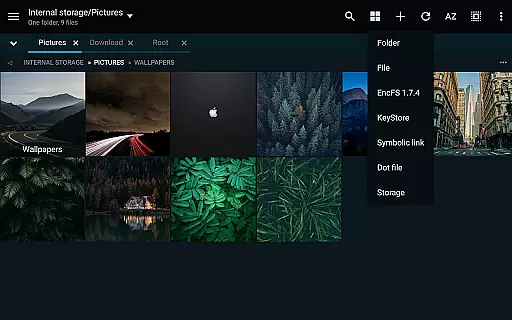
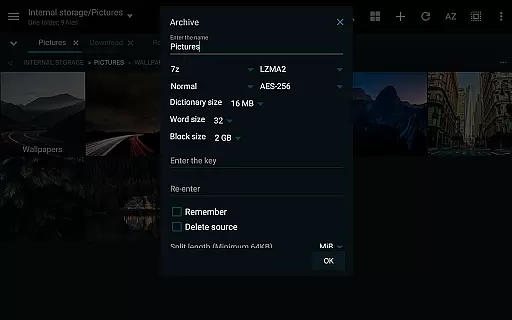
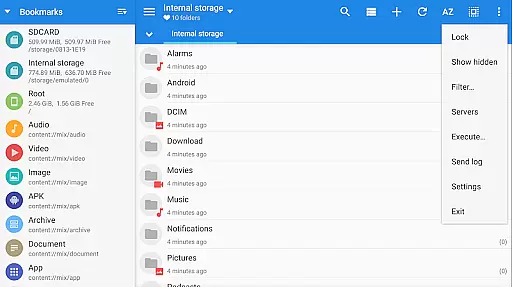
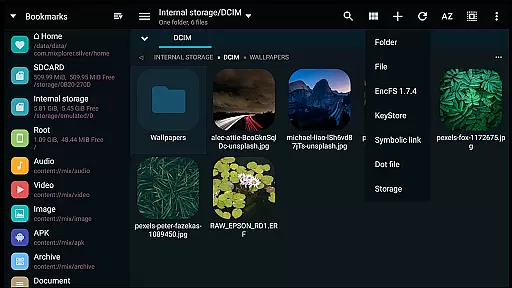
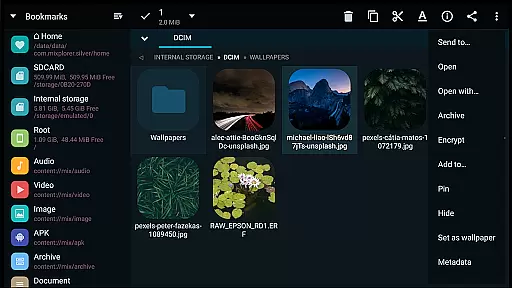
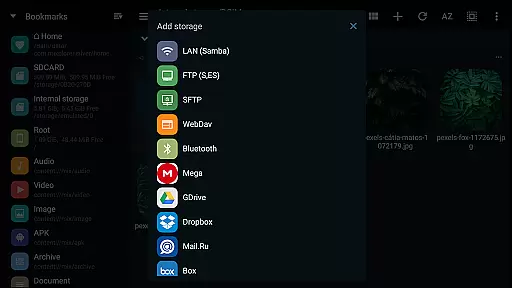
MiXplorer Silver is a comprehensive file management solution designed for productivity enthusiasts who need advanced tools to organize, access, and manage their files efficiently. This app combines the core MiXplorer file manager with powerful add-ons such as Archiver, Image viewer, Tagger, and PDF reader, making it a versatile tool for handling various file types. With support for cloud storage integration, root access, and EncFS volumes, it ensures seamless access to both local and remote files.
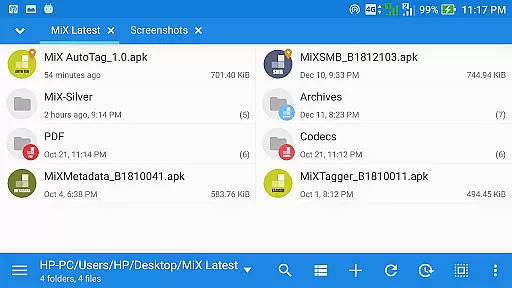
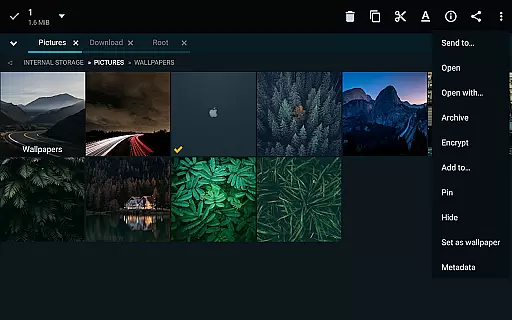
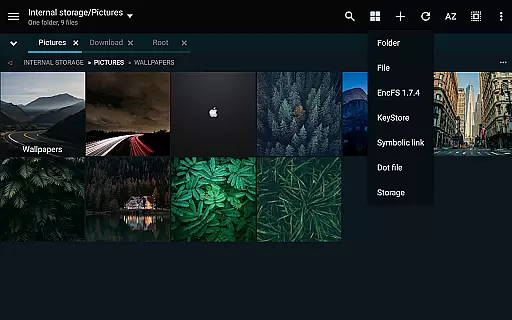
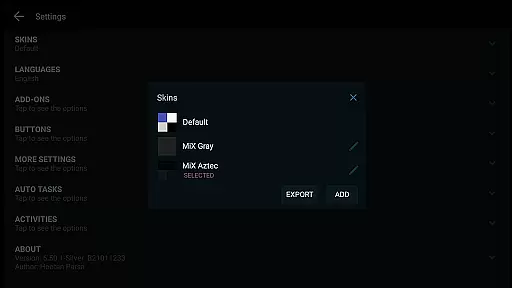
One of the standout features of MiXplorer Silver is its highly customizable interface. Users can personalize themes, menu options, and action buttons to suit their preferences. The app supports unlimited tabbed browsing and dual panels in landscape mode, enabling efficient multitasking. Whether you're managing archives, viewing documents, or editing code, MiXplorer Silver provides all the necessary tools in one intuitive package. Its ability to handle encrypted files and serve as an FTP or WebDAV server further enhances its utility for power users.
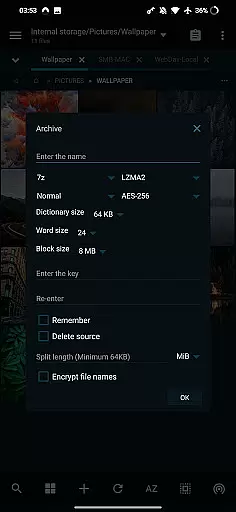
MiXplorer Silver offers a rich set of features that cater to both casual and advanced users. One of its key strengths is the extensive file format support, including 7z, Zip, TAR, RAR, and many others. It also allows unpacking of less common formats like AR, DMG, and ISO, giving users the flexibility to work with virtually any archive type. Additionally, the app integrates seamlessly with cloud services such as Google Drive, Dropbox, and OneDrive, consolidating all your storage needs into a single interface.
The app's customization capabilities are unparalleled. From themable UI colors to sortable menu options, every aspect of the user experience can be tailored. Advanced functionalities like EncFS volume support, file encryption using Aescrypt, and APK signing with multiple schemes make it indispensable for developers and IT professionals. Media playback, text editing, and image viewing are equally robust, ensuring that MiXplorer Silver is not just a file manager but a complete productivity suite.
In the realm of file management, MiXplorer Silver excels with its robust core task management capabilities. This feature allows users to handle multiple operations simultaneously, such as copying, moving, and other file manipulations, all within a streamlined interface.
The app's architecture supports the creation of tasks that can run in the background, ensuring that users can continue to browse and manage files without interruption. This multitasking ability is crucial for power users who need to perform complex file operations across different storage locations.
Moreover, MiXplorer Silver provides detailed progress indicators and control options for each task, giving users transparency and command over their file management activities. This ensures that even the most demanding file management tasks are executed smoothly and efficiently.
By integrating these advanced task management features, MiXplorer Silver significantly enhances productivity, allowing users to focus on their work rather than the mechanics of file operations.
Cross-device synchronization is a pivotal feature for modern file managers, and MiXplorer Silver addresses this with reliable and real-time syncing across various platforms. Users can seamlessly access and manage their files on multiple devices, ensuring consistency and availability wherever they go.
The application supports a wide array of cloud storage services including Google Drive, Dropbox, and OneDrive, which means users can synchronize their data with their preferred cloud providers. This flexibility not only enhances accessibility but also provides a safety net against data loss.
MiXplorer Silver employs secure protocols to maintain the integrity and confidentiality of user data during synchronization. By leveraging encrypted connections, the app safeguards sensitive information while it traverses between devices and cloud services.
This steadfast dedication to synchronization reliability empowers users to work across devices with confidence, knowing their files are always up-to-date and secure.
Highly customizable UI
Extensive file format support
Cloud storage integration
Advanced encryption options
Root access for power users
Paid app with no free version
Steeper learning curve
Occasional performance lag
Limited customer support
Heavy on system resources

Take control of your clipboard with Clipper!
 3.90
3.90
Mega cloud explorer plugin for Solid Explorer
3.80
All in one sketching tool. Technical and General drawing. Online Maps support.
3.70
Mind Map and brainstorm, note taking and idea collection
4.80
CalenGoo is a very flexible and feature-rich calendar app
4.40
Multilingual translator for text, voice, and image translation!
4.90
ID.me Authenticator is a simple and free Two Factor Authentication solution
3.50
This small app MUST BE INSTALLED after purchase, else license won't work
4.40
Put a lock on your cloud: Take the security of your data into your own hands
3.70
Quickly and easily keep track of your work shifts
4.70
All document reader, all in one file viewer read PDF, DOCX, XLS, PPT, TXT files.
4.60
Client for Nextcloud Deck
4.60
Calendar 2023 widget for Android. Appointment scheduler, planner, and reminder
4.60
Total remote control for your Android device, PC and cloud services (IFTTT)!
4.20
Unlock AutoNotification
4.00
Access your phone's notifications, calls, apps, photos & texts on your PC
3.90
Smart PDF reader & editor to view, organize and manage PDF documents easily.
3.70
Make your handwriting beautiful, even more than pen on paper.
3.60
Auto-shutoff Alarm with Sunrise, Sunset & Fixed Options.
3.50


User Reviews