
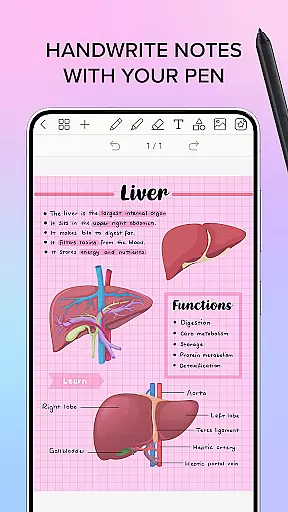
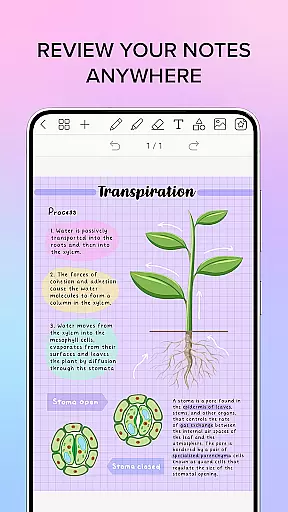
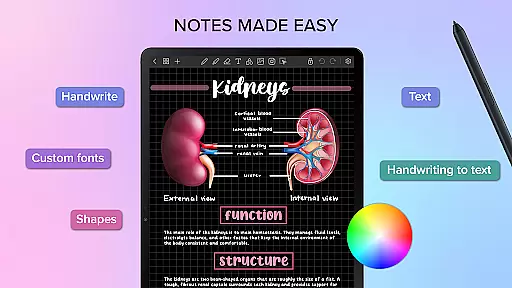
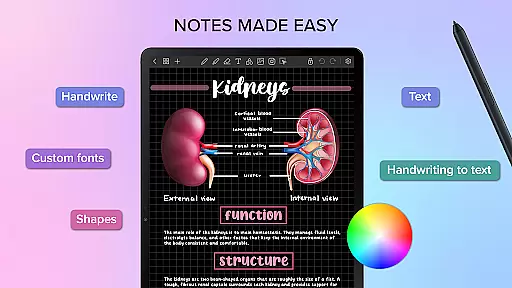
Penly is a comprehensive digital planner, journal, and note-taking app designed to enhance productivity and creativity. With its intuitive interface, users can enjoy smooth handwriting recognition and editing tools including text, image, and shape options.
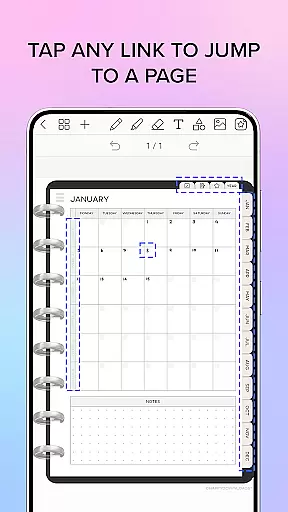
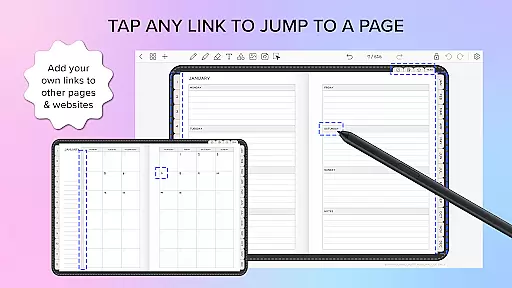
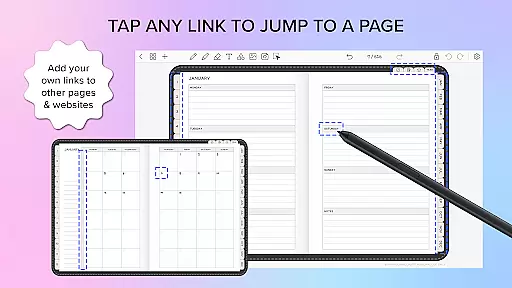
The app includes four digital planners with hyperlinked pages, undated and reusable templates, and various styles. Users can import PDF files, create custom hyperlinks, and organize stickers and images efficiently. Penly supports syncing across Android devices via Google Drive.
Ideal for students and professionals, Penly transforms handwritten notes into digital text, allowing easy organization and sharing of documents. Its powerful features make it an essential tool for managing daily tasks and projects effectively.
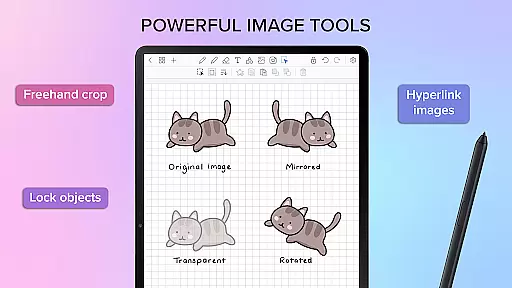
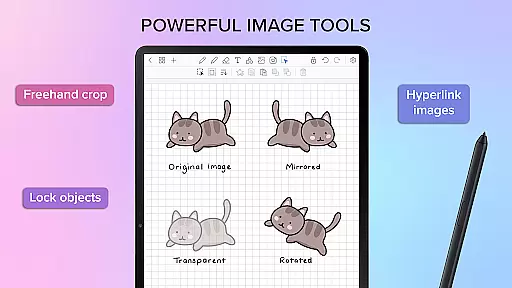
Penly offers a robust set of features tailored for efficient note-taking and planning. The app provides automatic handwriting-to-text conversion, highlight and underline tools, and the ability to transform, group, and lock objects, ensuring precise document management.
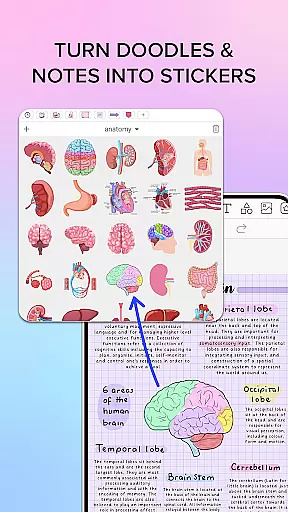
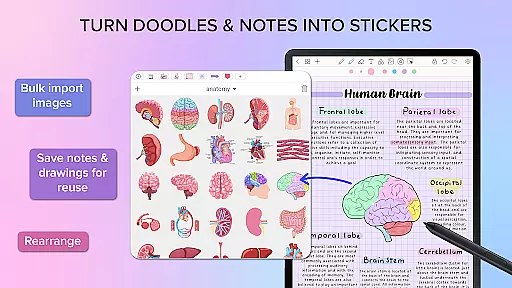
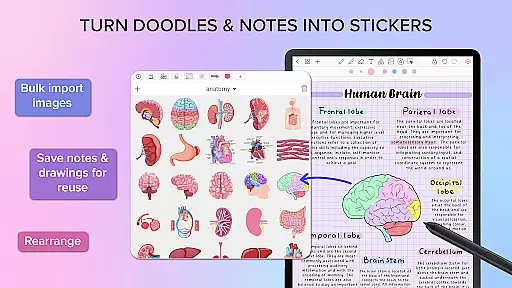
Users can create sticker collections, import custom fonts, and utilize image editing tools like mirroring, flipping, and adjusting opacity. The hyperlink creation feature allows linking objects to specific pages or external websites, enhancing navigation within documents.
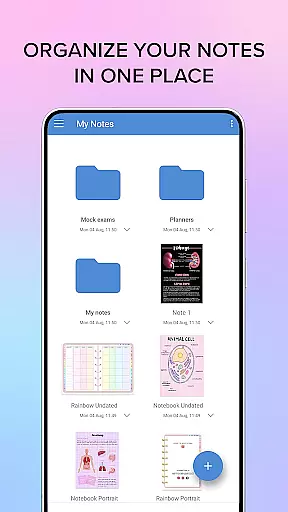
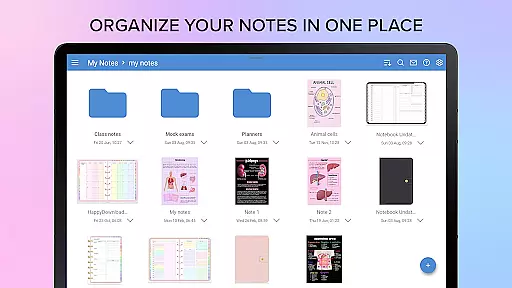
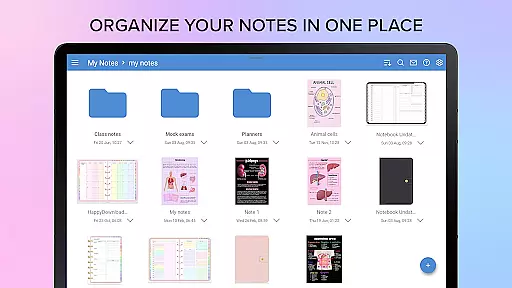
With folder and sub-folder organization, Penly makes managing extensive notes and documents seamless. Syncing capabilities ensure that users can access their data across multiple Android devices, maintaining continuity and convenience in their workflow.
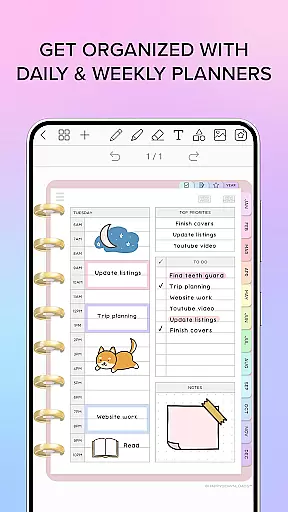
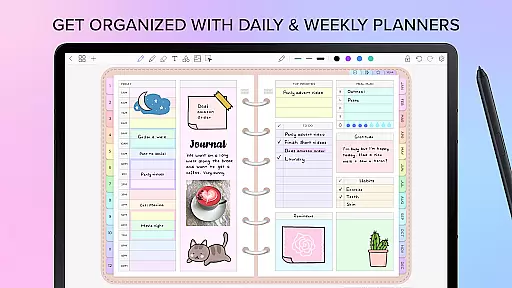
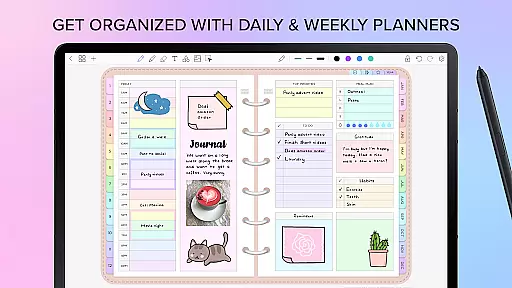
Penly offers a comprehensive suite of tools for managing tasks and organizing your digital life. The app includes features such as hyperlinked monthly, weekly, and daily pages, which allow users to navigate their planners with ease. With undated and reusable templates, you have the flexibility to customize your planning experience according to your needs.
The application stands out by providing various templates that cater to different preferences, including landscape and portrait orientations as well as rainbow and black minimal styles. These options ensure that whether you're scheduling your day or jotting down notes, there's a design that suits your style while maintaining productivity.
Moreover, Penly enables users to transform, group, and lock objects within their documents, ensuring that each element stays exactly where itu2019s needed. This level of control is essential for those who require precision in their task management, allowing for an organized and efficient workflow that can adapt to any project or personal planning requirement.
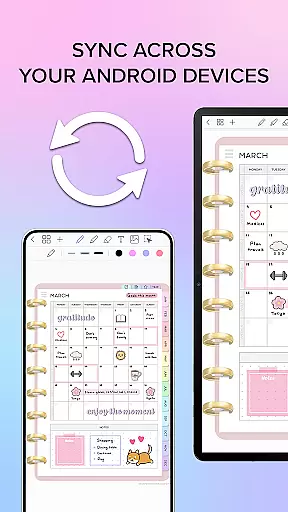
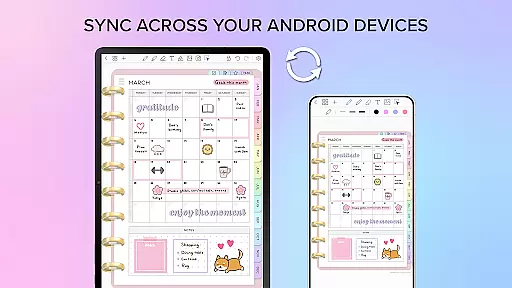
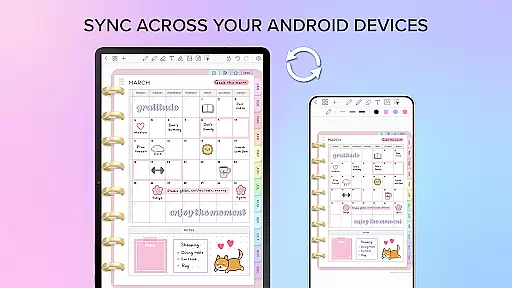
One of the key strengths of Penly is its ability to sync between Android devices seamlessly. By linking Google Drive to the app, users can enable syncing either manually or automatically when opening or closing the app. This ensures that no matter which device you are using, your data remains up-to-date across all platforms.
This reliable cross-device synchronization means that whether you're at home, in the office, or on-the-go, your planners, journals, and notes are always accessible. It provides peace of mind knowing that your latest changes are preserved and available wherever you need them, thus enhancing both convenience and continuity in your daily routines.
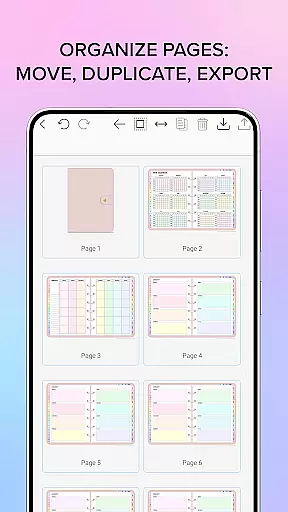
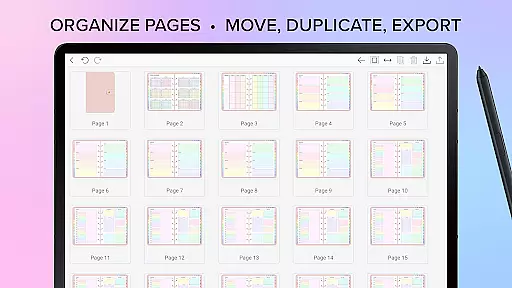
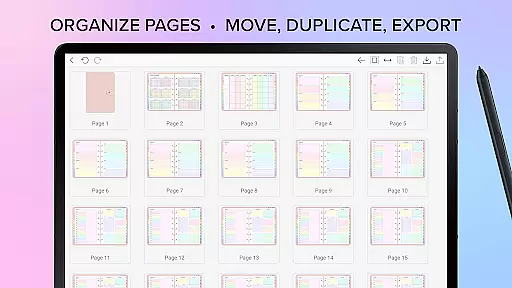
In addition to syncing capabilities, Penly also allows exporting files as editable Penly files or PDFs. This feature not only facilitates sharing but also serves as a backup option, reinforcing the reliability aspect by giving users multiple ways to retain their valuable information securely.
User-friendly interface
Handwriting recognition
Customizable templates
Efficient organization tools
Cross-device syncing
Limited language support
No iOS compatibility
Premium features require payment
Occasional bugs reported
Learning curve for new users

Experience real multitasking on your Android!
 4.00
4.00
Native client for Forgejo and Gitea
5.00
Mega cloud explorer plugin for Solid Explorer
3.80
Wake up & get tasks done! Add alarms & reminders on the Clock Launcher.
4.00
aCalendar+ makes your day, week and month
4.70
Tally and goal counter for Wear OS & mobile
4.50
To do list widget with a notebook organizer, checklist, simple shopping list
4.60
Scientific calculator for Android - looks and operates like the real thing!
4.90
Seamlessly read, manage, and organize all your PDF files solution in one place
4.40
Use powerful, industry-leading AI tools to generate visual charts from any data
4.80
QuickBooks Workforce lets teams view pay info and track time in one place.
4.70
Client for Nextcloud Deck
4.60
All document reader, all in one file viewer read PDF, DOCX, XLS, PPT, TXT files.
4.60
A lightweight JSON & XML files creator, editor and viewer (Premium Version)
4.40
Enjoy classic gameplay with customizable features and retro-style graphics.
4.30 4.20
4.20
Font maker keyboard with your own handwriting
4.10
Create and edit presentations with Google Slides, part of Google Workspace.
4.00
Ultimate Virtual AI Character for immersive Roleplay Chat. Perfect Companion
3.90


User Reviews